Articulation Station Hive for iPad, iPhone & Mac
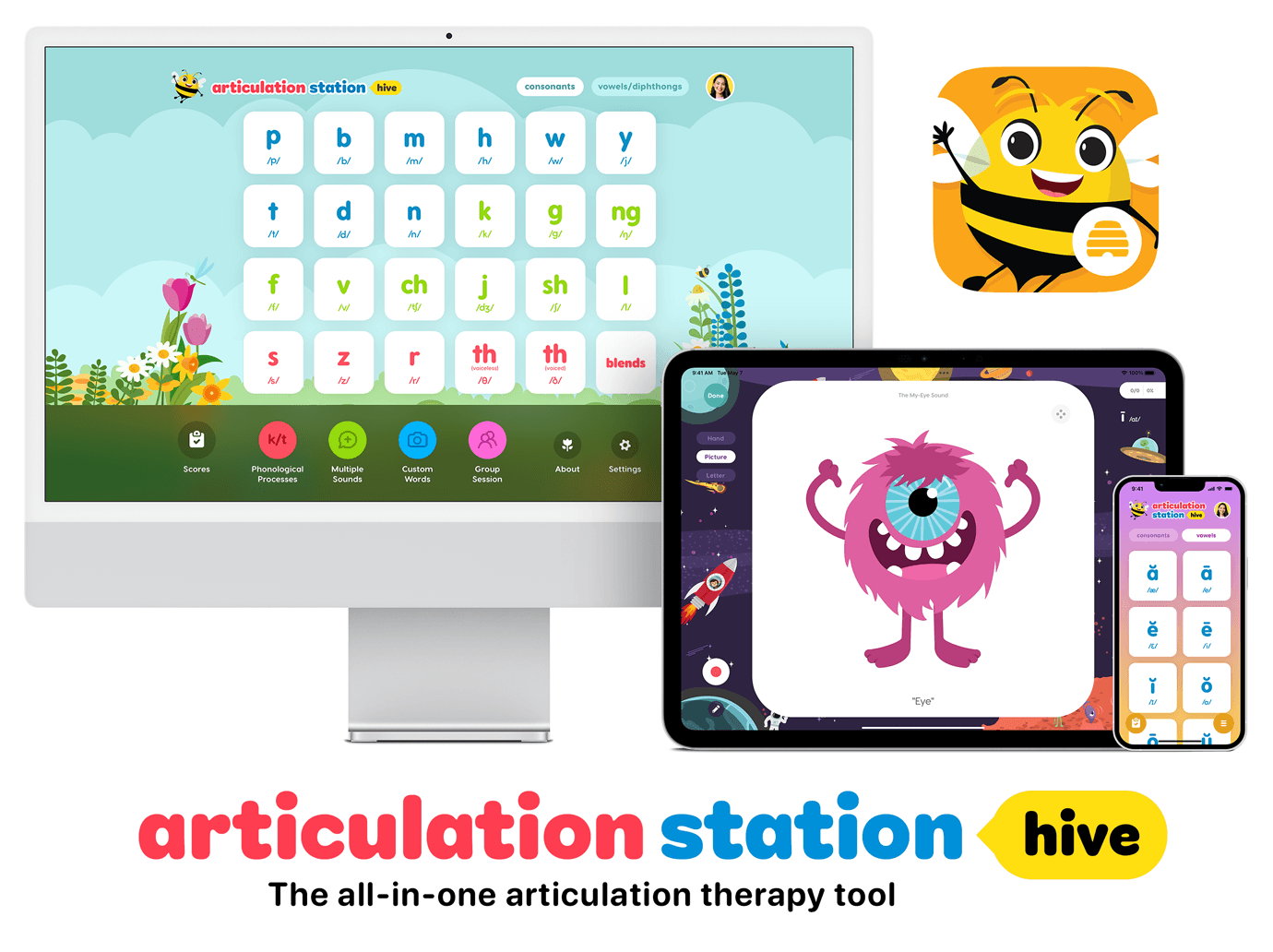


The Little Bee Hive Information Packet includes all the details about the Little Bee Hive membership and how the free trial and pricing works for your group. Download the packet HERE.
If you are a speech-language pathologist and currently use and love our most popular app Articulation Station, then you’re going to LOVE this next generation articulation therapy tool for your iPad, iPhone and silicon Mac. Introducing… Articulation Station Hive! 🎉
While Articulation Station Hive may resemble the familiar and beloved Articulation Station, it is a new software solution that has been completely rebuilt from scratch with more than twice the activities, features and content. It is bursting at the seams with so much articulation sweetness we know you’re going to LOVE it.
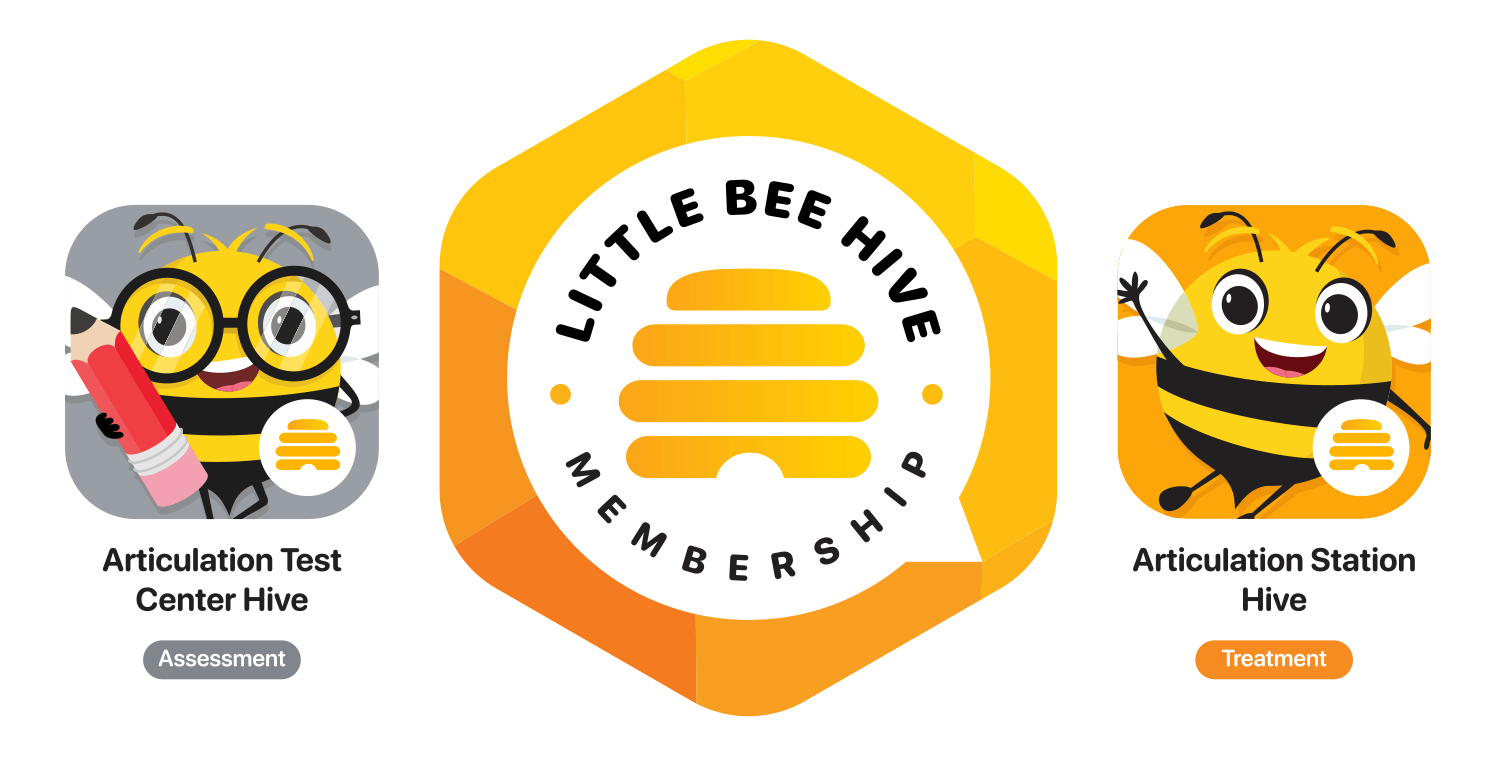
Note: Articulation Station Hive is professional speech therapy software. Little Bee Hive members will enjoy access to both Articulation Station Hive (for treatment) and Articulation Test Center Hive (for assessment) in the Little Bee Hive membership.
Articulation Station Hive has all the tools and activities speech-language pathologists need to teach their learners how to speak more clearly. To start with, it has activities to target speech in both consonants and vowels from the isolation level through the conversation level.
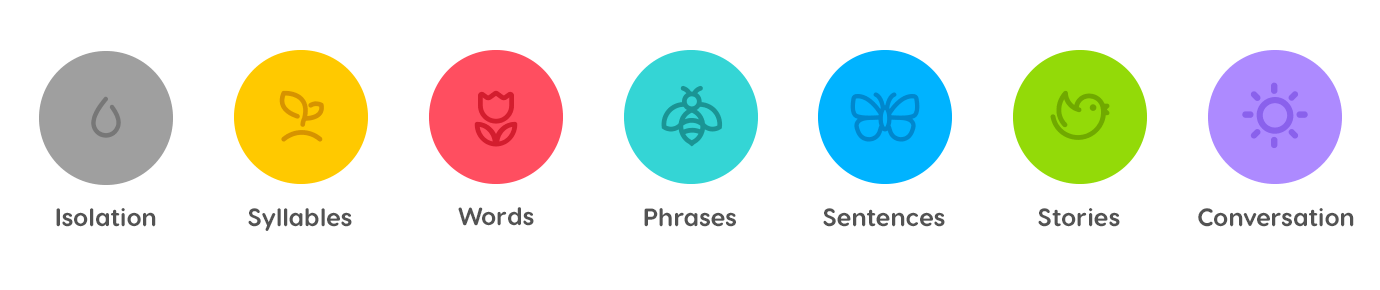
The icons for each of these levels represent a pattern of growth and progression as your learners move through each level, develop their sounds and become more confident in their speaking abilities. We know that through small and simple daily practice, big things can happen!
So let’s take a look at what Articulation Station Hive offers:

Sound in Isolation
The isolation activities provide fun and engaging opportunities for learners to practice sounds in isolation as they begin their journey to speaking more clearly.
Hand Cue
A hand cue enhances the teaching of a new sound in isolation because it provides a visual prompt that suggests how and when to say the sound. In our hand cue activity, learners can play the video example of the hand cue and the associated sound.
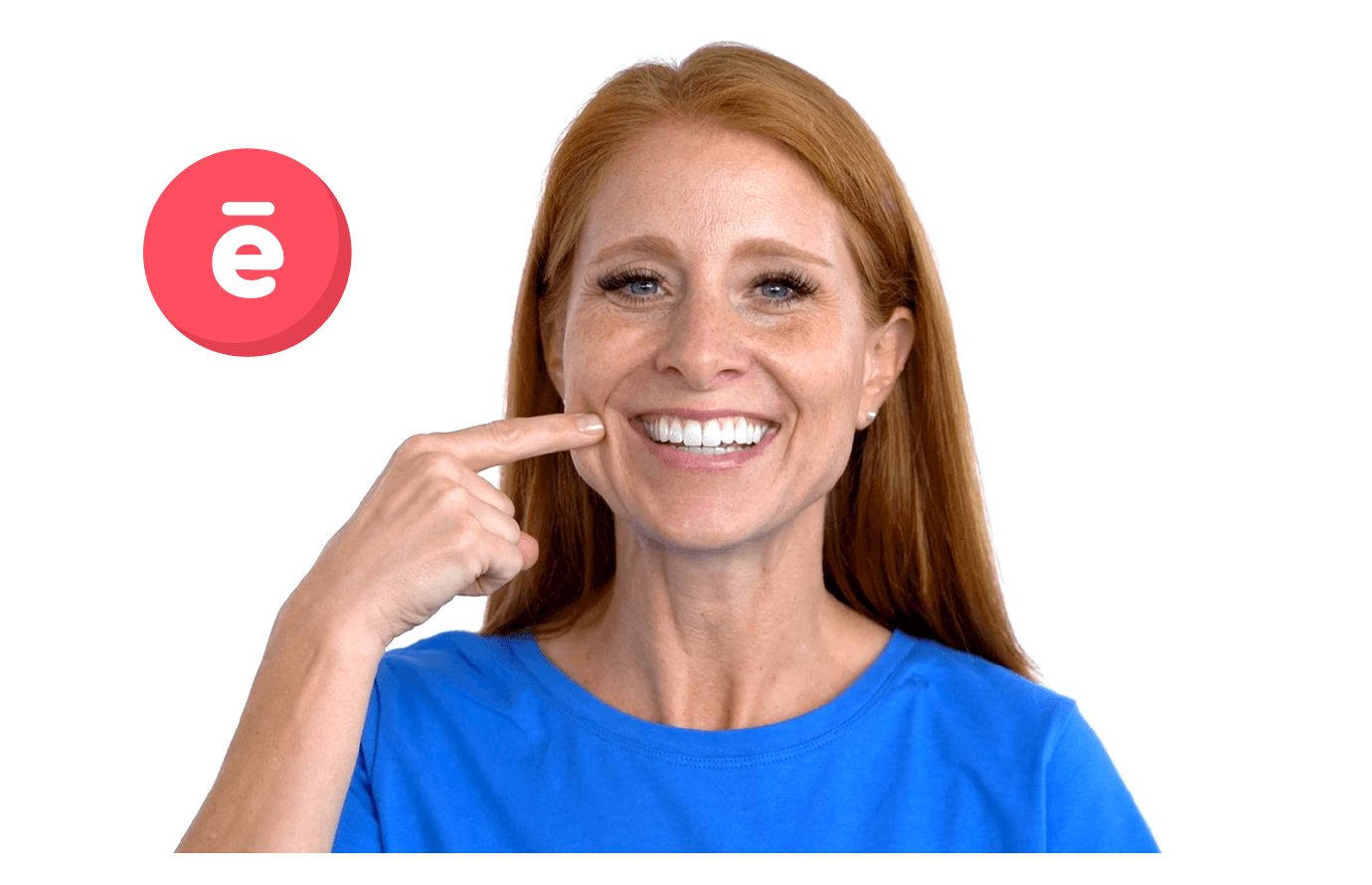
As progress is made, learners can feel a sense of satisfaction as they audio record themselves imitating the cue and producing the sound. In practice, a hand cue can serve as a subtle way to remind a learner of when and how a particular sound is used; a gesture has an advantage in that the reminder can come without a verbal correction.
Picture Cue
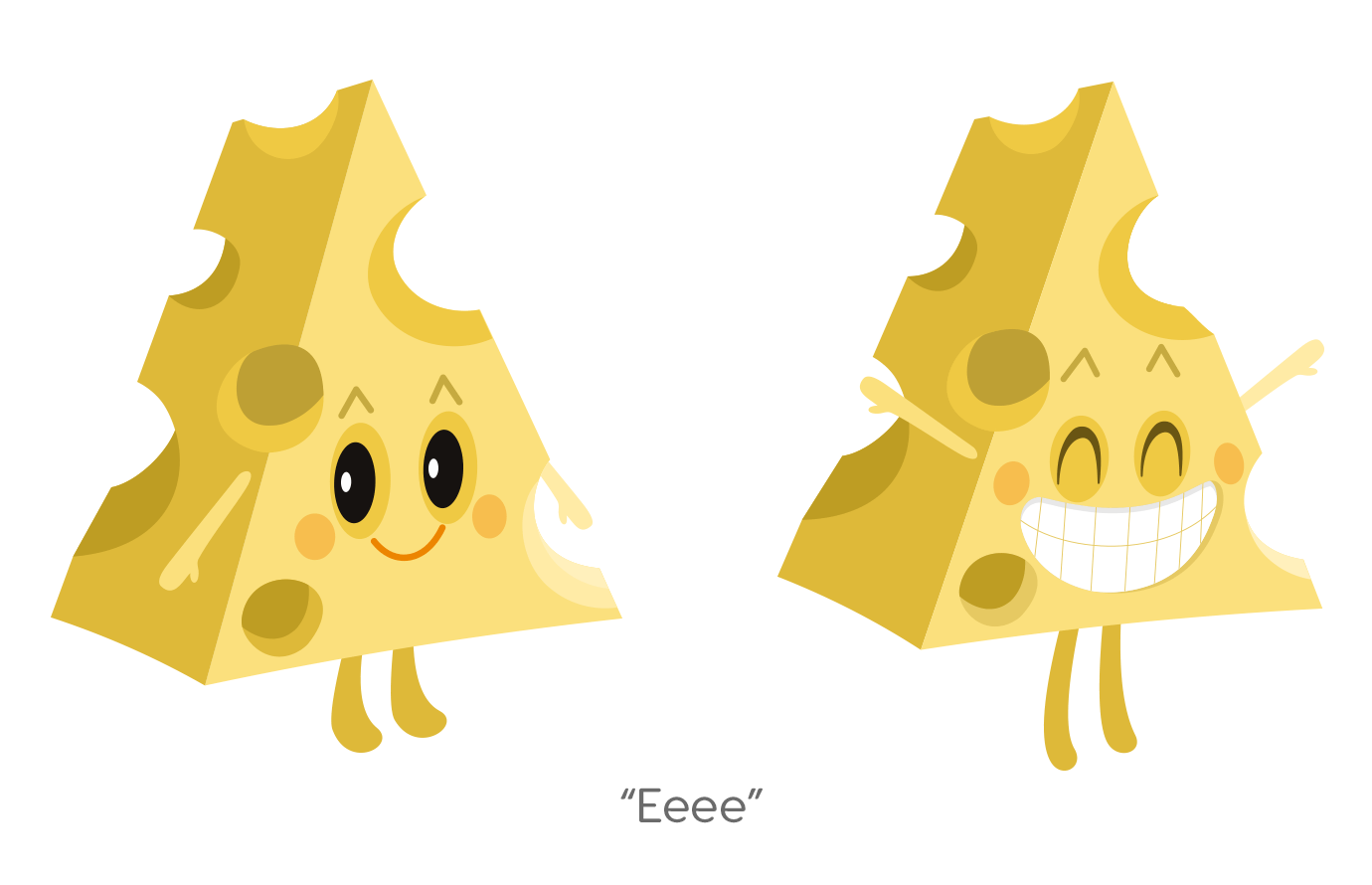
The picture cue is a fun way to connect something meaningful with the sound. For example, learners who are working on the “popping” sound (p) can pop the balloon in the picture cue activity for the associated sound. While working on the “ChEEsey-E Sound” sound, they can say “eeee” each time smiley Cheese strikes his cute little pose.
Letter Cue
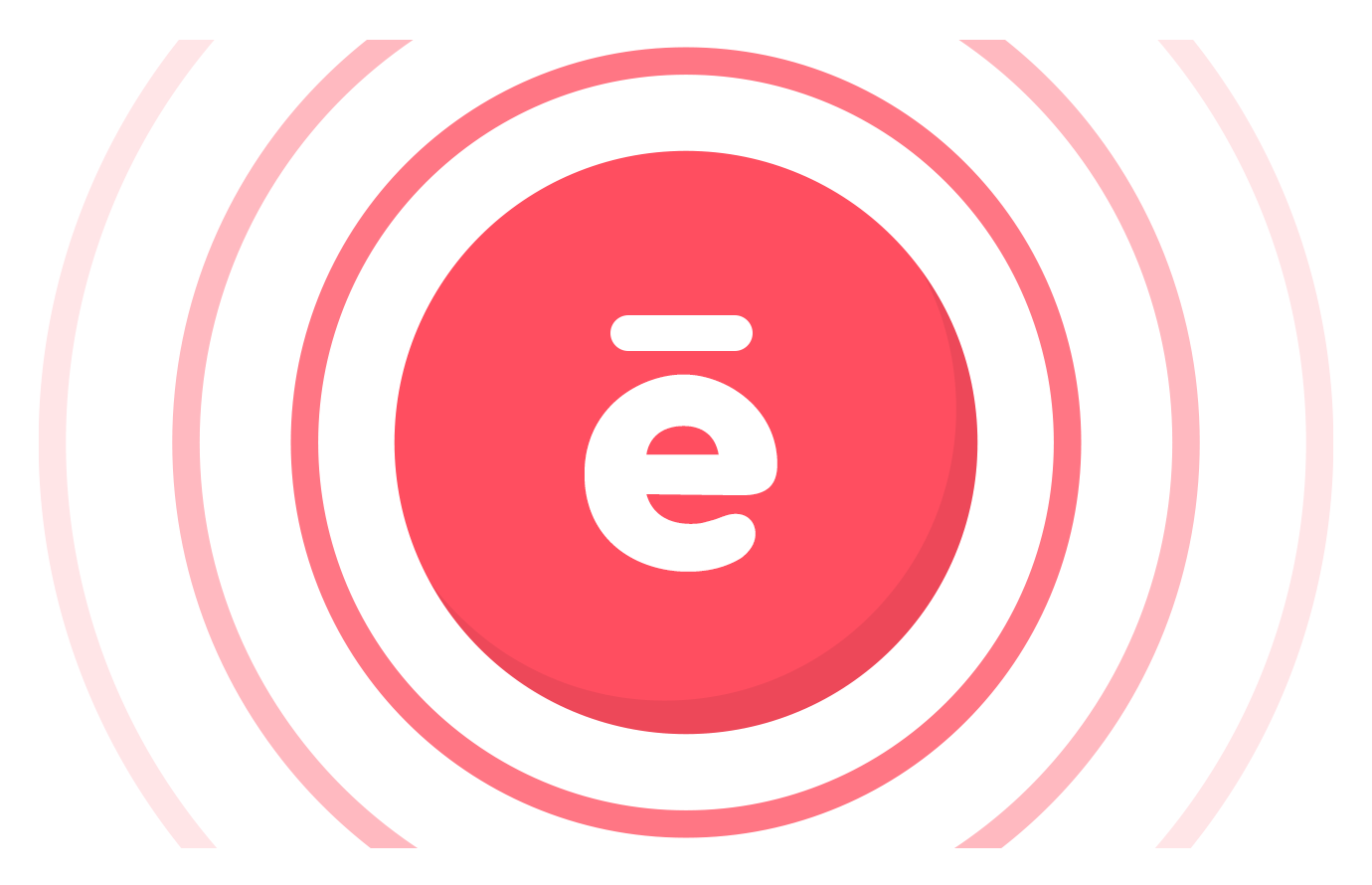
The letter cue activity is a fun way to connect the sound with the letter that represents it. Learners can practice saying their target sound as they tap on the letter that corresponds with their target sound. This is a great activity for speech and phonological awareness!

Sound in Syllables
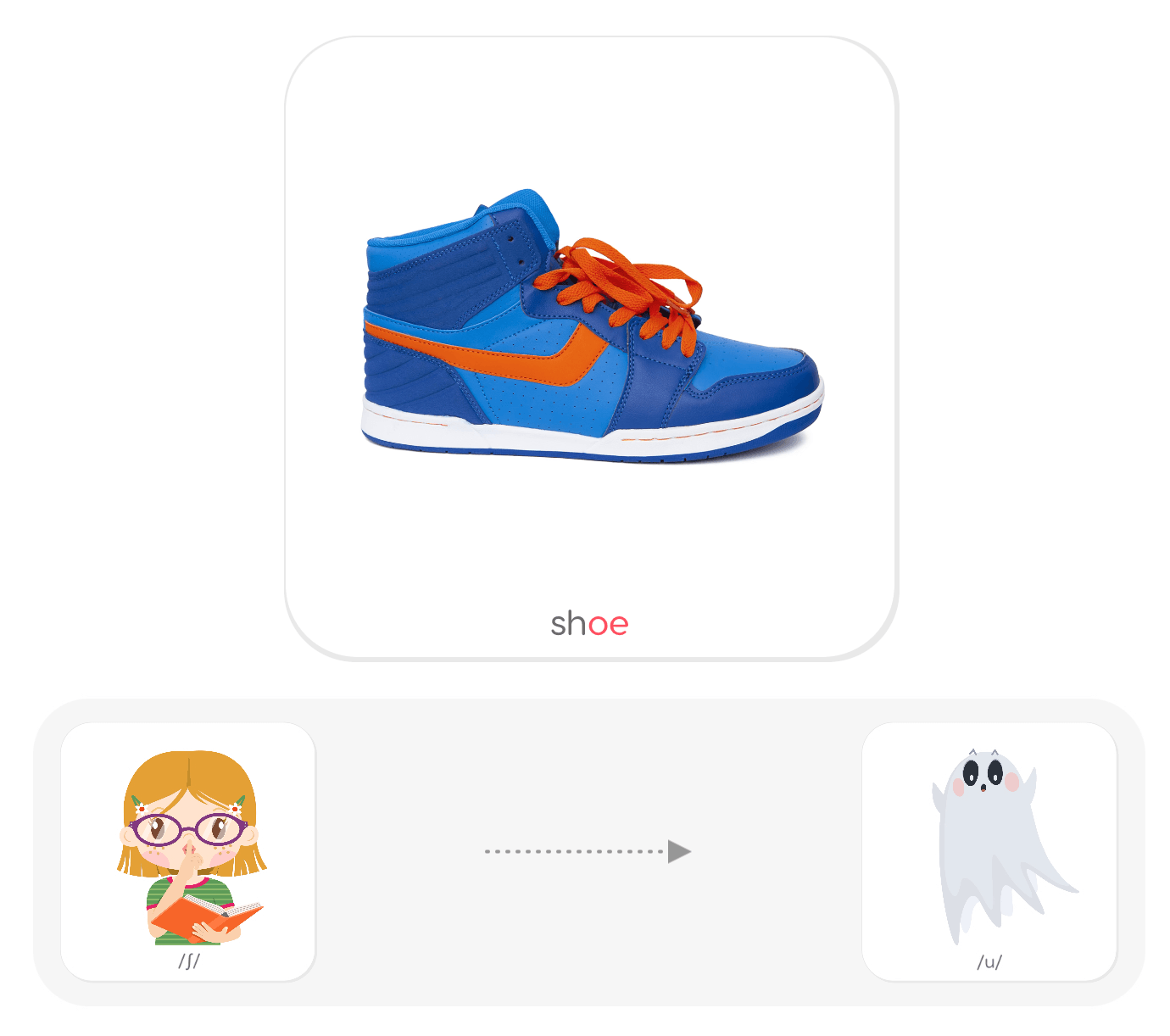
Once the sound is said correctly in isolation, the sound is ready to be practiced in syllables. You will have the option to practice with the syllable sliders or spinners. Before you begin the activity you will select the sound position you want to practice the target sound in–initial or final.

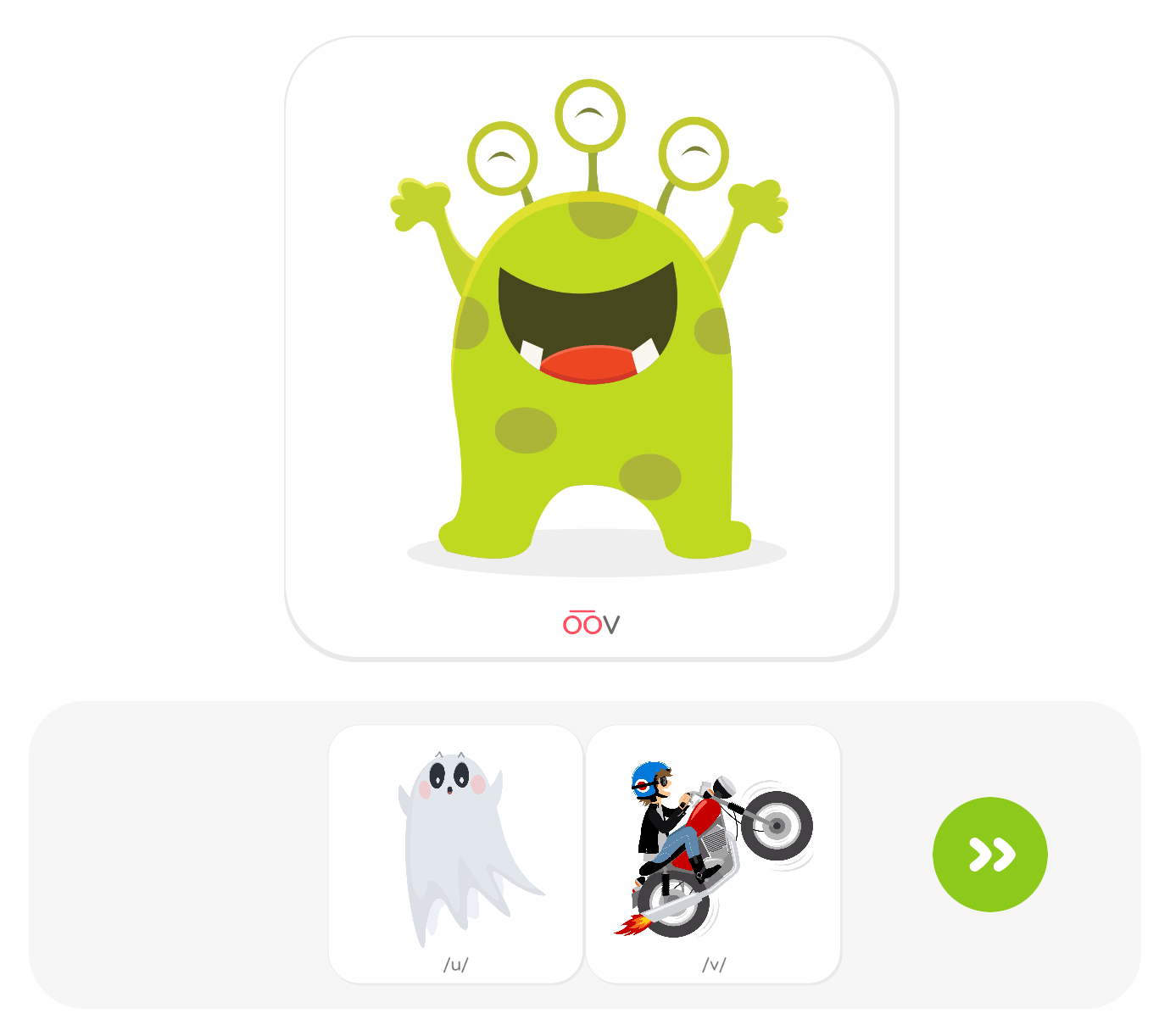
Syllable Sliders
Syllable sliders allow the learner to put two sounds together to make a real word (CV or VC), or a nonsense syllable. Children love to see what words they can make with their sounds or what silly monsters they can create with nonsense syllables. The Syllable Sliders activity really helps them see how meaningful sounds can be.
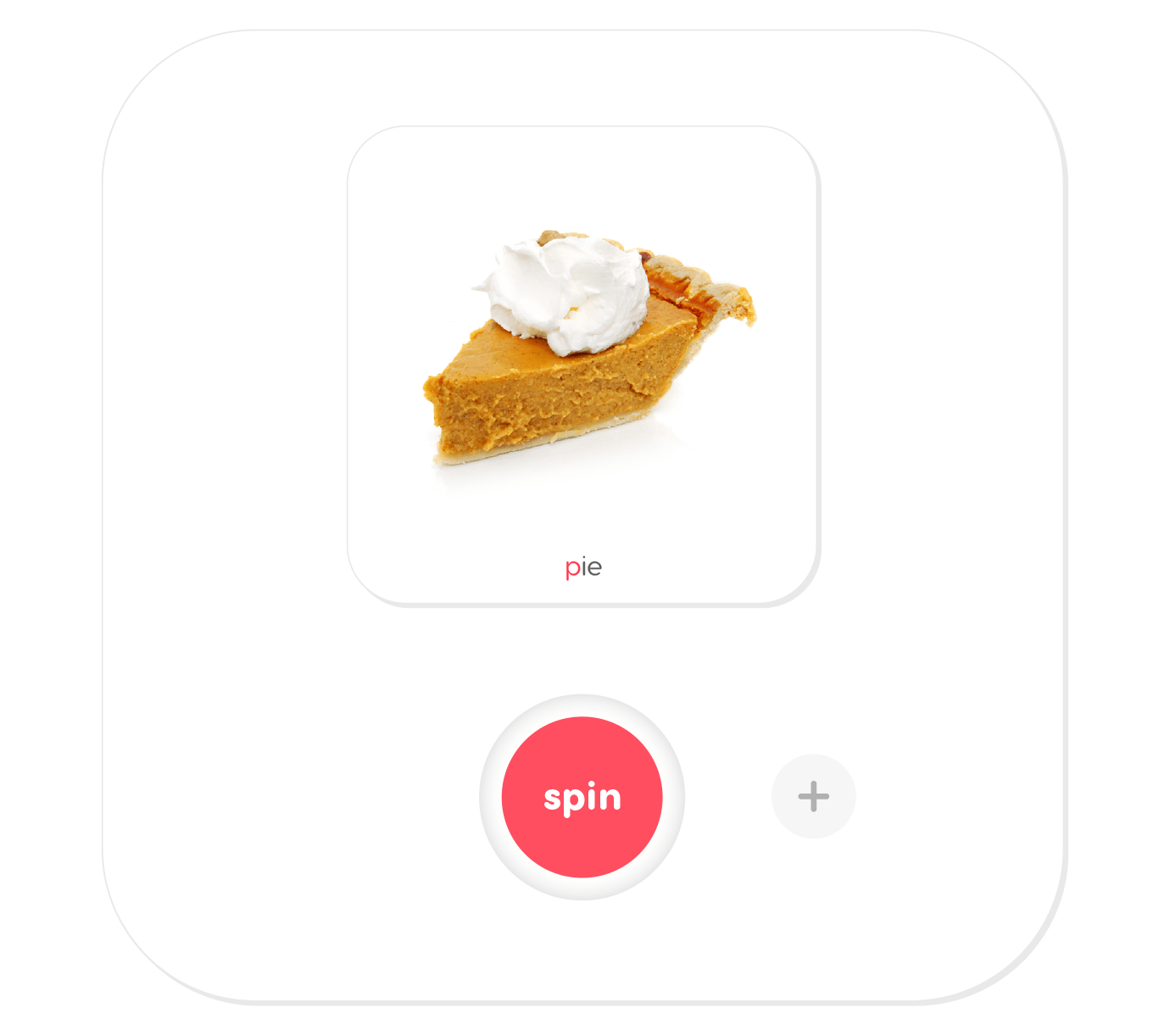
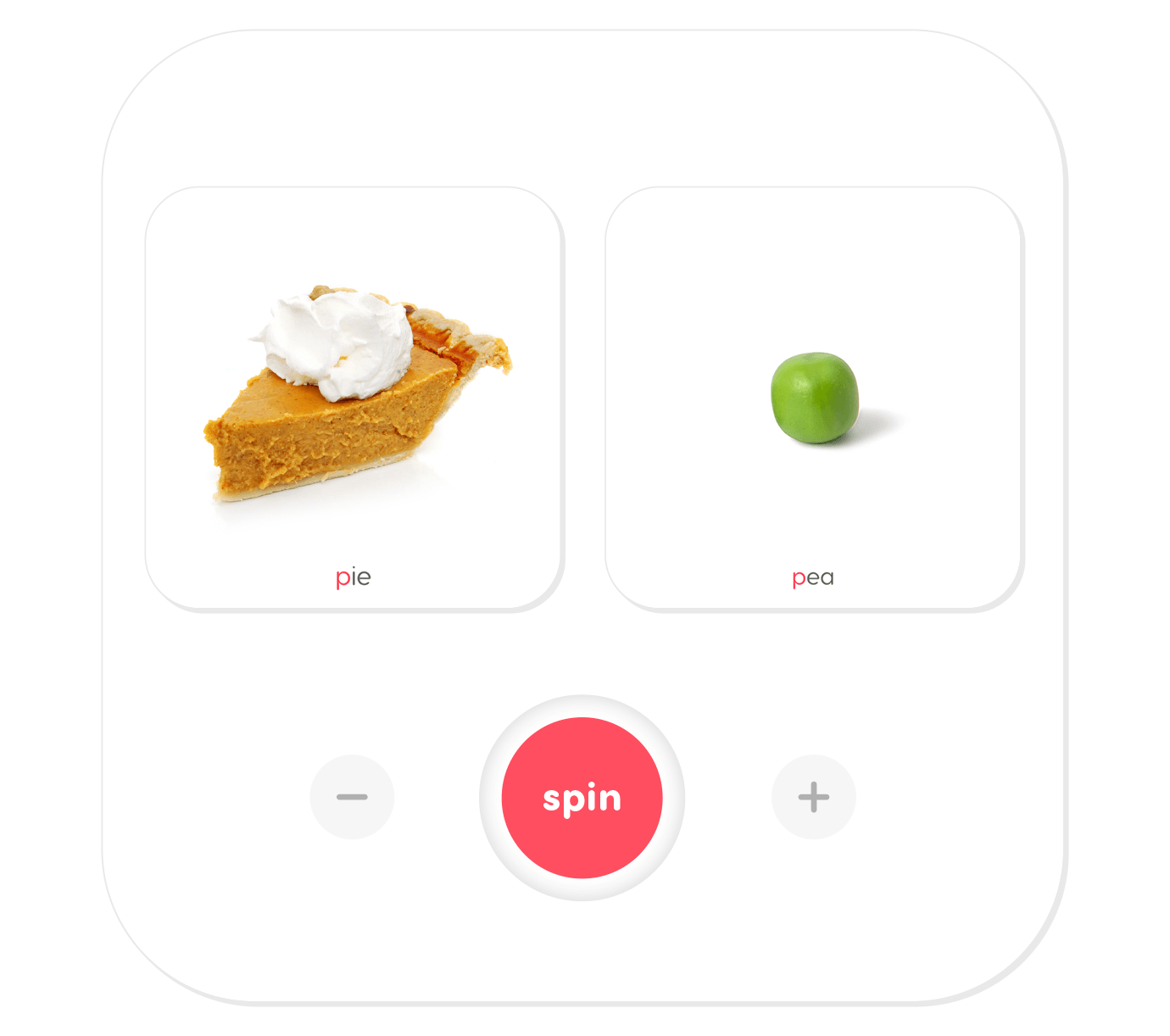
Syllable Spinners
Syllable spinners allow the learner to practice one, two, and three syllables at a time. It is a lot of fun to see what word combinations will spin in next. Practicing the sound with targeted syllables helps make the transition from saying the sound in isolation to saying the sound in words a little easier.

Sound in Words
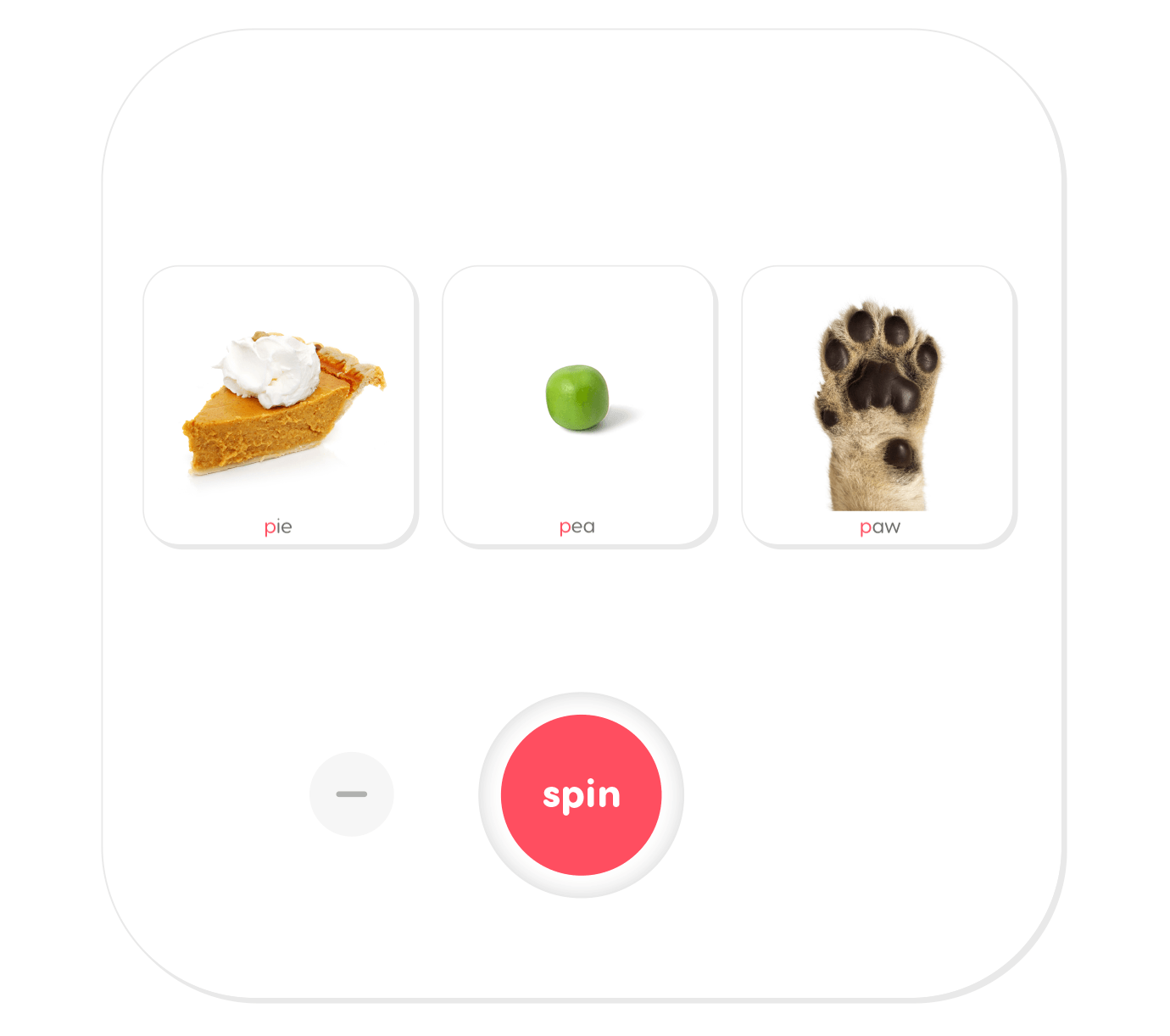
Sound work at the word level can be very satisfying because you can build vocabulary while improving articulation. You will be given the choice to practice the sound in minimal pairs, flashcards, or matching activities.
Minimal Pairs
The minimal pairs activity is recommended when learners consistently substitute one sound for another, or when they consistently omit a sound. Teaching minimal pairs helps learners see that when they substitute one sound for another, or when they omit a sound, it can actually change the meaning of the word.
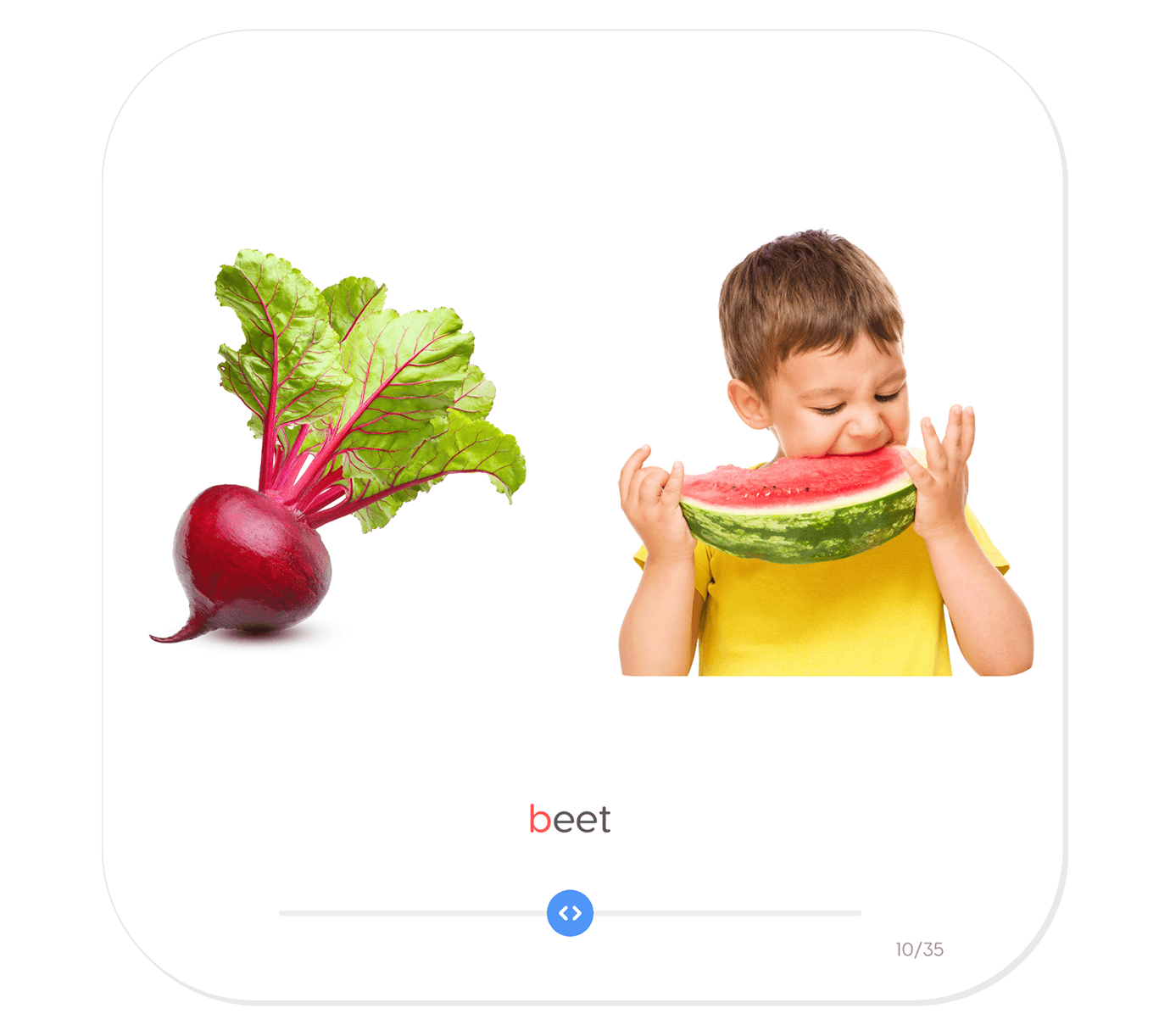
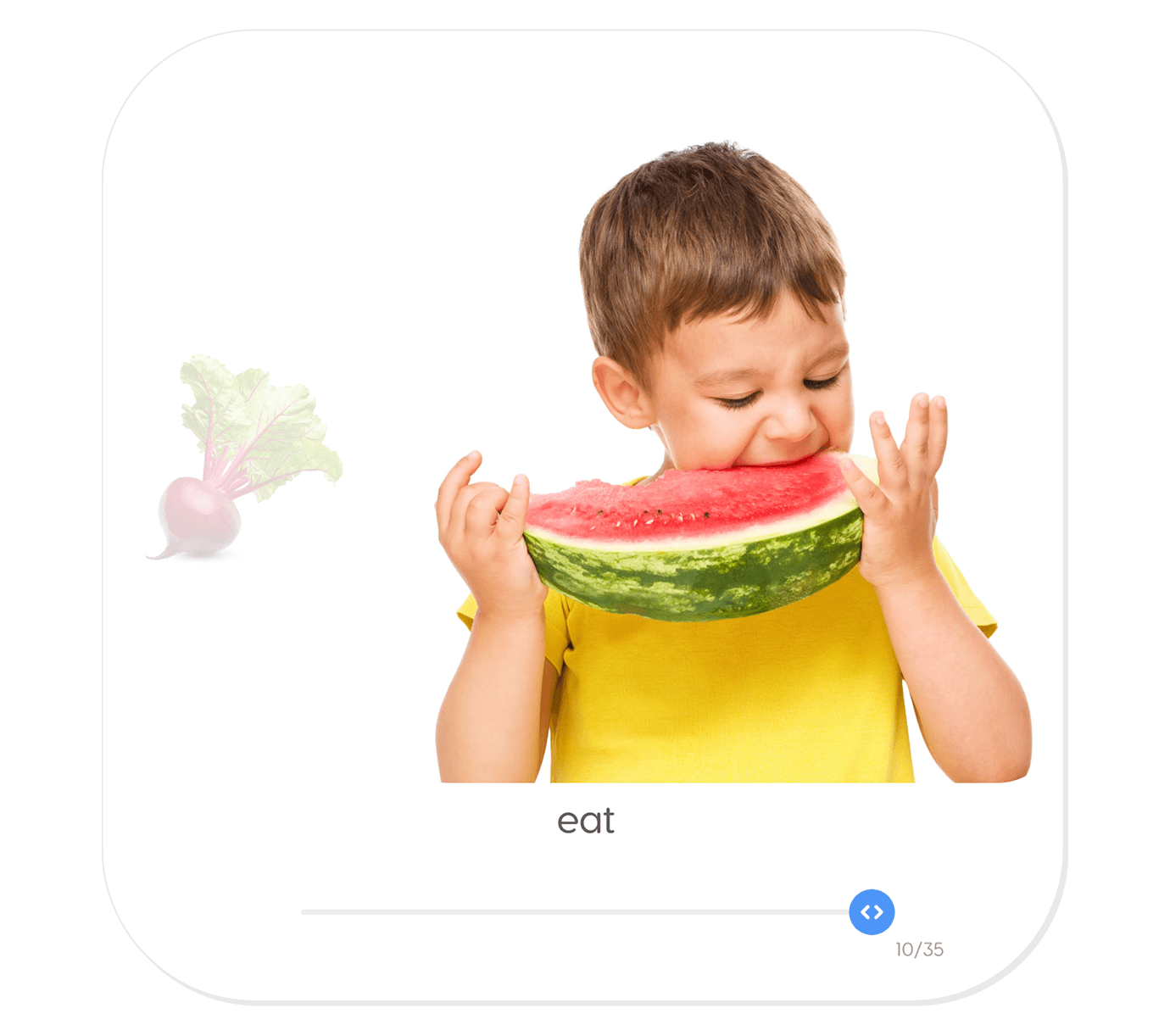
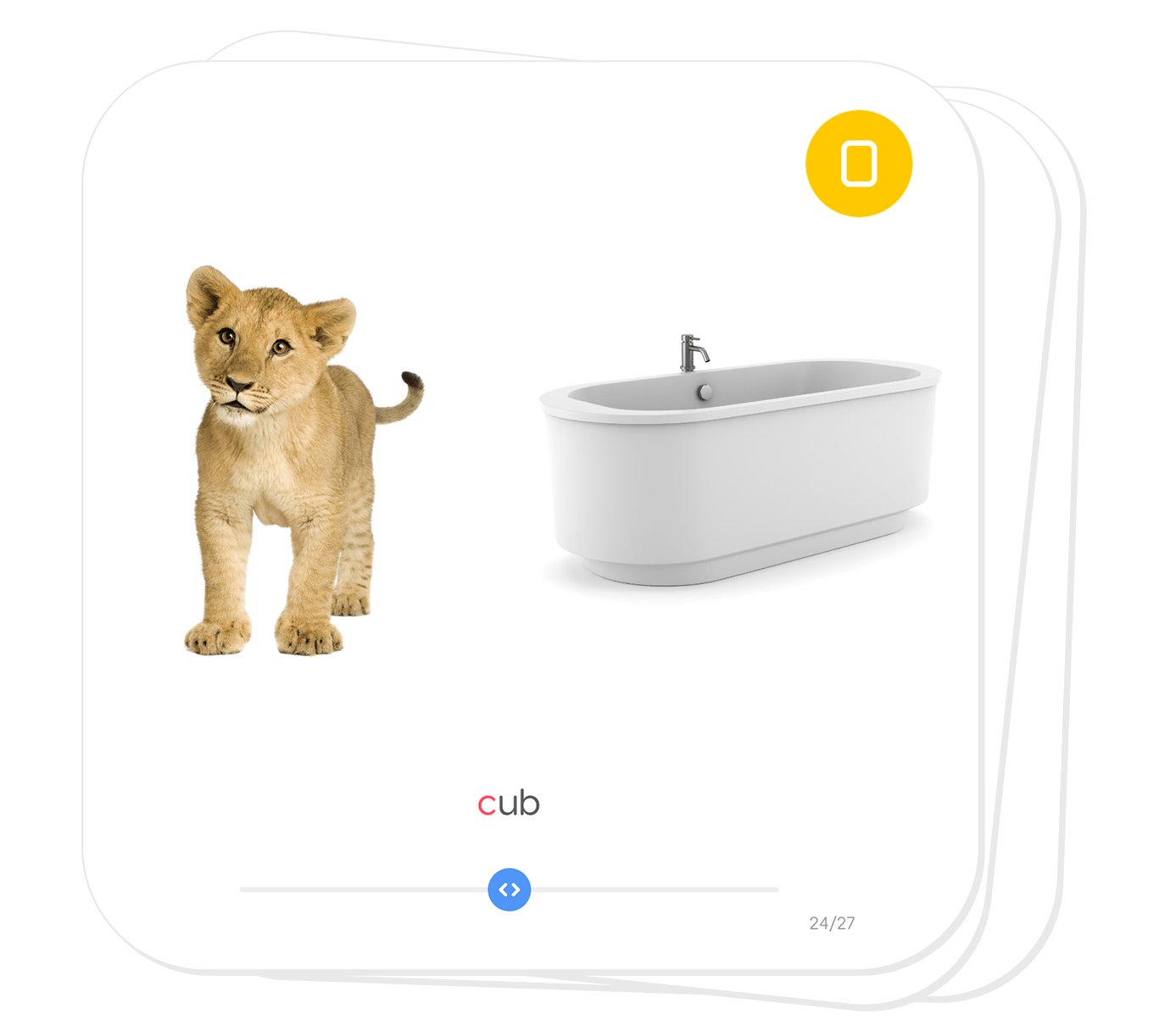
When the activity begins, the target word will be displayed below two pictures. Have the learner identify which picture represents the word displayed on the card by moving the slider to the correct picture. Then have the learner practice saying each word correctly. Students learn to better distinguish both words as they are exposed to their subtle differences. 🙂
Flashcards
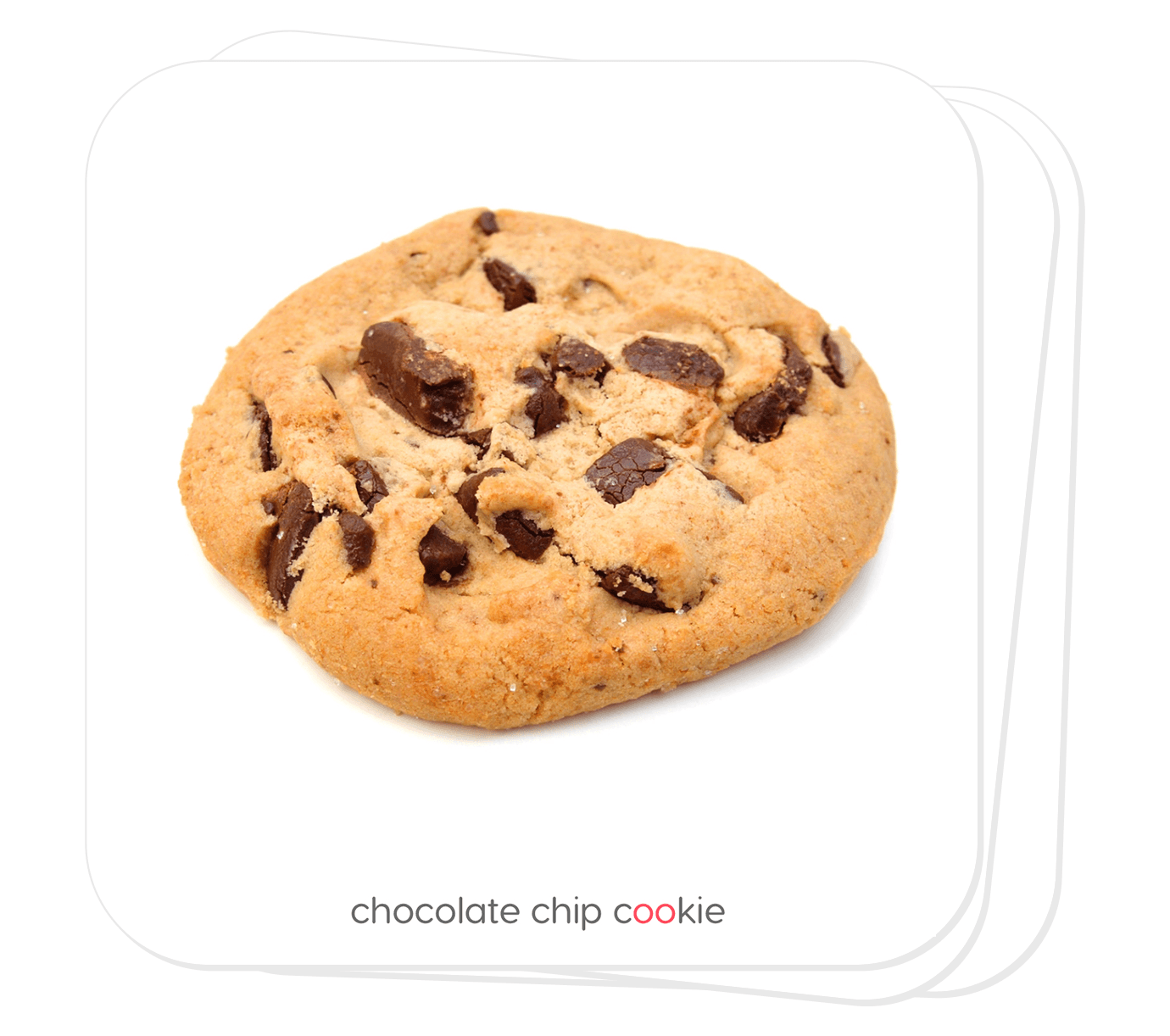
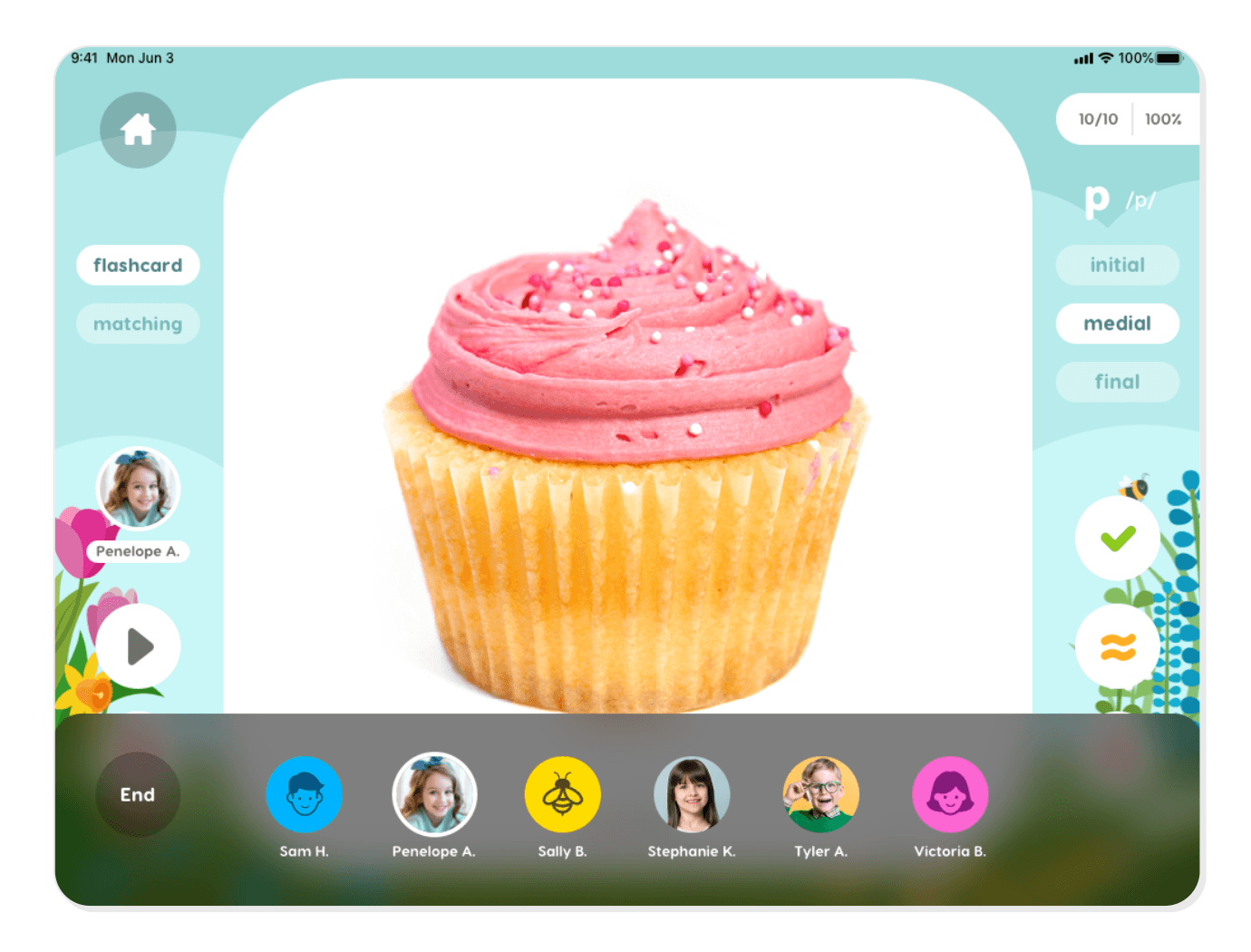
Flashcards are a quick and reliable tool for focused repetition in speech practice. Articulation Station uses real photographic images for better clarity and sound practice. Once in the flashcard activity, have the learner say the word that is pictured on each card. Listen for correct productions of the target sound and score each response appropriately. Words that are scored can be reviewed later from the student’s saved session scores.
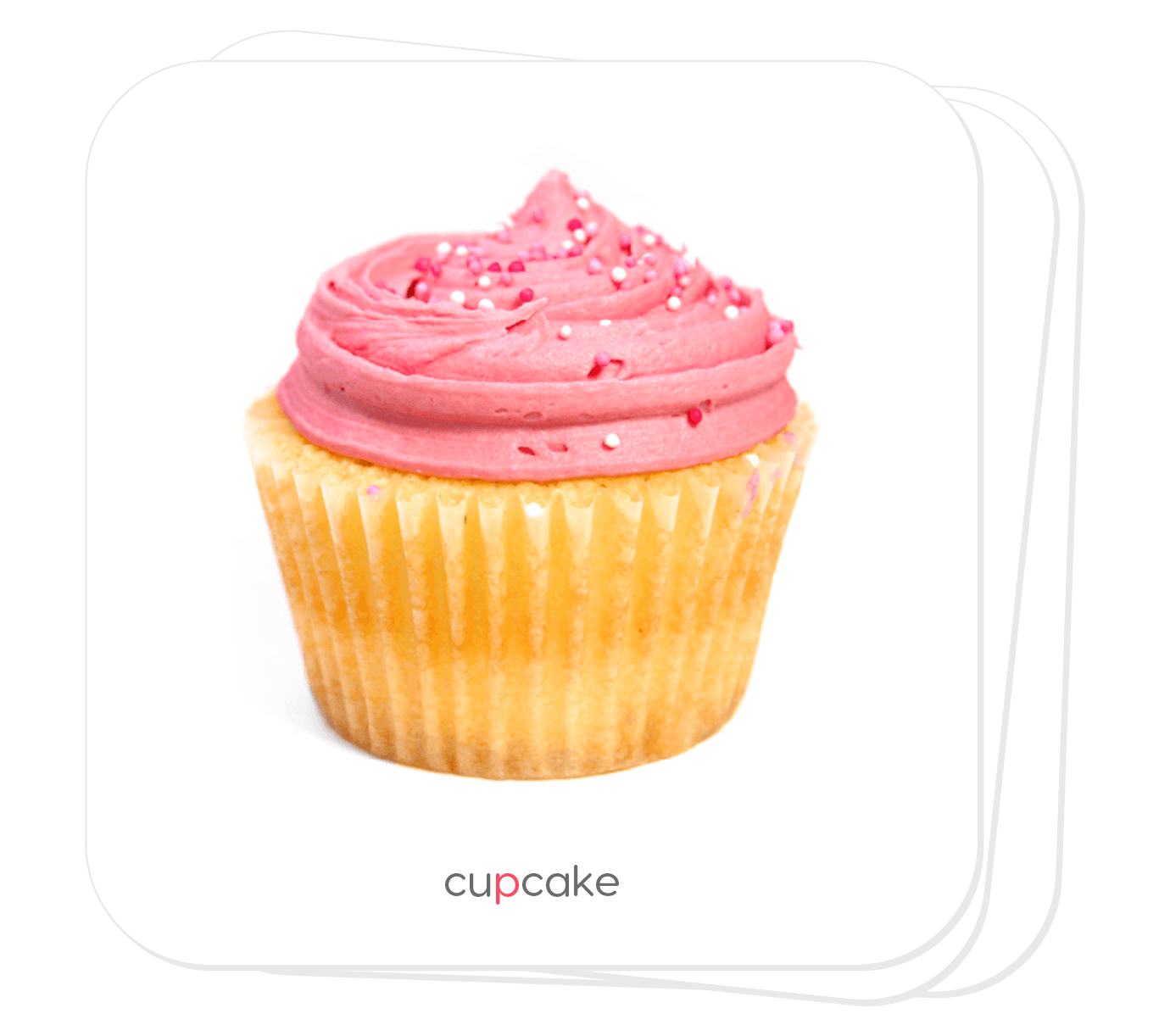
Matching
You may also practice words through matching. The matching game is a fun way to keep kids (and adults) of all ages engaged in the activity as they practice sounds in words.
There are 3 different difficulty levels in the matching activity to accommodate each learner on their level. After a card has been turned over, take a moment and score the learner’s speech production before you tap another card. All of the scores will be associated with each word practiced. When all of the matches have been made, you may choose to play again with a new board for more practice.


Sound in Phrases
Once a sound has been mastered at the word level, it is time to practice the sound in phrases. Phrases are a nice bridge between words and sentences because of the simplicity of two- and three-word combinations. There are two different phrase activities to choose from – rotating phrases and unique phrases.

Rotating Phrases
Rotating phrases are two-word phrases with a lead word and a target word. The target word has the practice sound in the targeted position. Both the lead words and the target words have spin buttons associated with them, allowing the user to spin one or the other and thereby produce hundreds of word combinations.
With each word combination you can also talk about whether the phrase makes sense or not. For example, if “yummy pants” resulted from a spin, (“yummy” being the lead word and “pants” being the target word), the phrase would be considered a silly or nonsense phrase. It’s these phrases that really put a smile on the kids’ faces and make the activity so much fun!
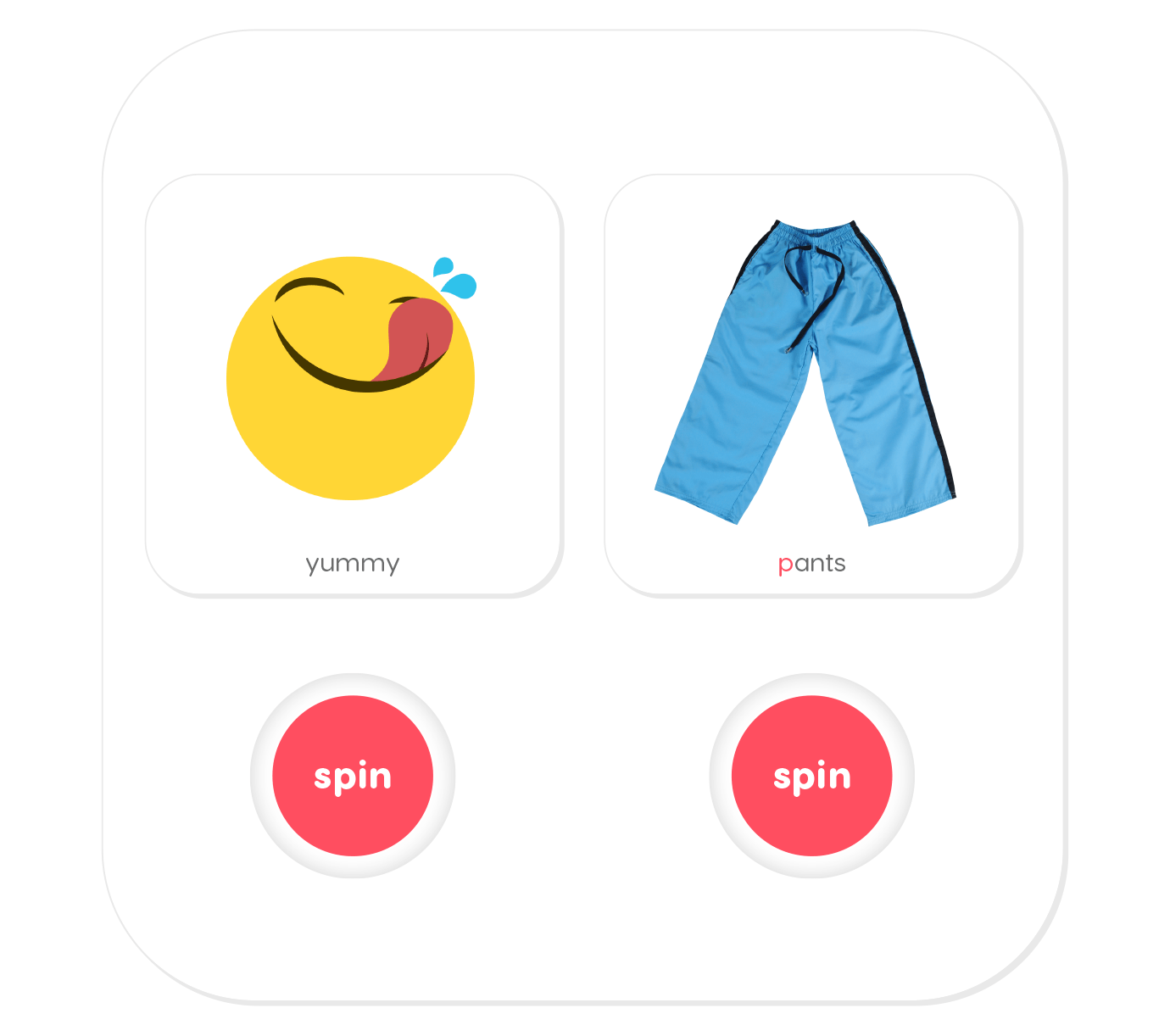
The lead word or the target word can be locked, allowing you to focus on more specific targets. For example, if you want to work on the pronoun “my” with every target word, you could tap and find the lead word “my” and then lock it into place by holding it down for two seconds. The learner will only be able to spin the target word, practicing phrases like “my purse” and “my pig.”
Unique Phrases
Each unique phrase is a three-word phrase. This makes them the perfect next step following rotating phrases. Additionally, these phrases are generally descriptive phrases which can assist you in language goals such as describing things. Additional examples of unique phrases are “hot baked potato” and “cute little puppy.”

Sound in Sentences
Sentence work is critical for building fluency in speech and language. There are two types of sentence activities to practice sounds – rotating sentences (fixed and mixed) and unique sentences.

Fixed Rotating Sentences
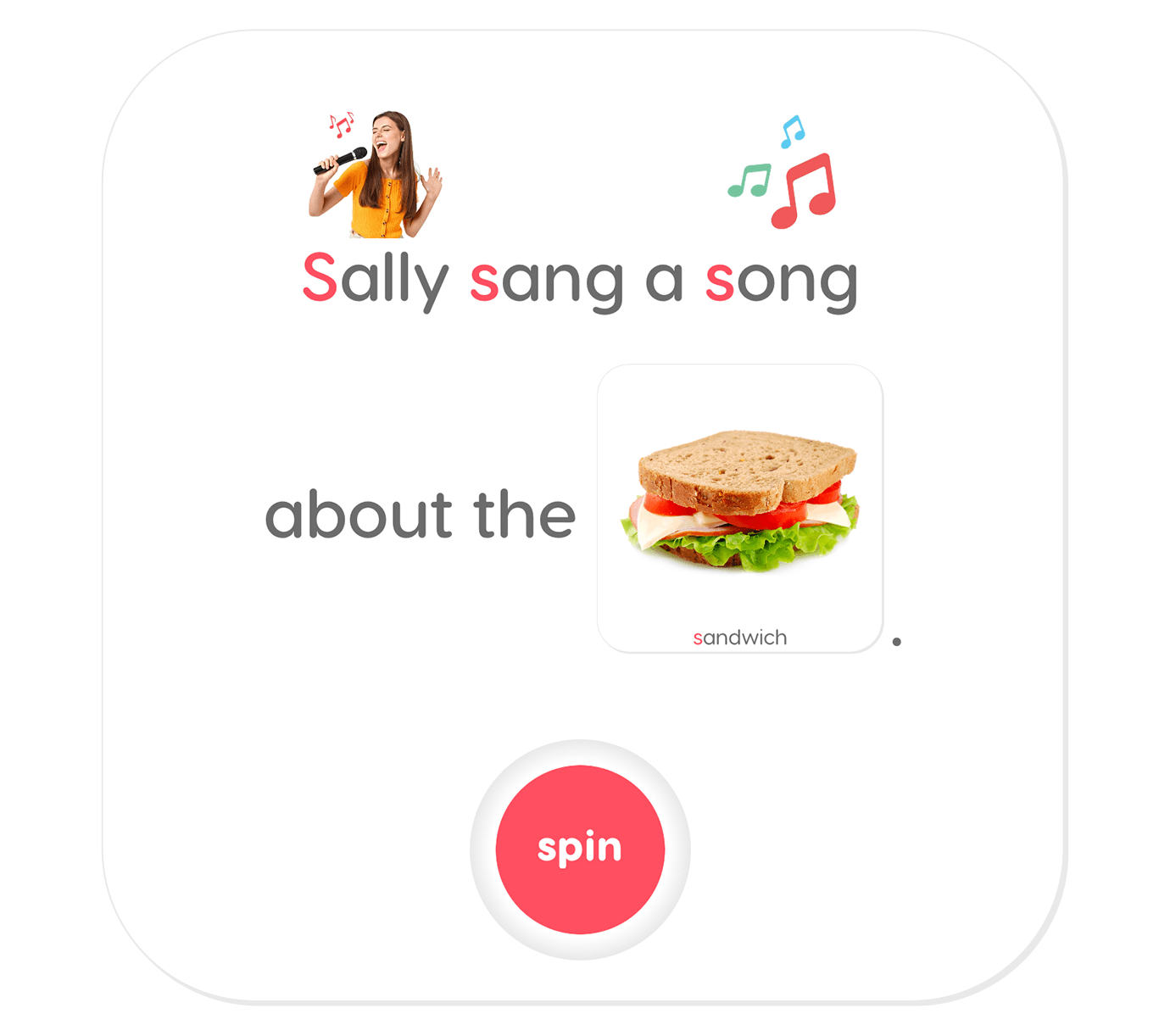
Fixed rotating sentences are like long “carrier phrases” where the sentence stays the same and only one target word changes. A mostly fixed sentence allows the learner to memorize the sentence and practice it with greater fluency. For example, in “Sally sang a song about the sandwich” the variable target word is “sandwich.” Note that each rotating sentence contains multiple targets and accompanying pictures where possible. This activity provides immersion with surprise and flexibility with fun!
Mixed Rotating Sentences
Mixed rotating sentences are a fun and silly way to practice target words in sentences. Tap the button and watch as a new pronoun, verb, adjective, and target word spin into position. Sometimes the sentence will make sense and sometimes it won’t. Either way it is an entertaining way to get learners talking.
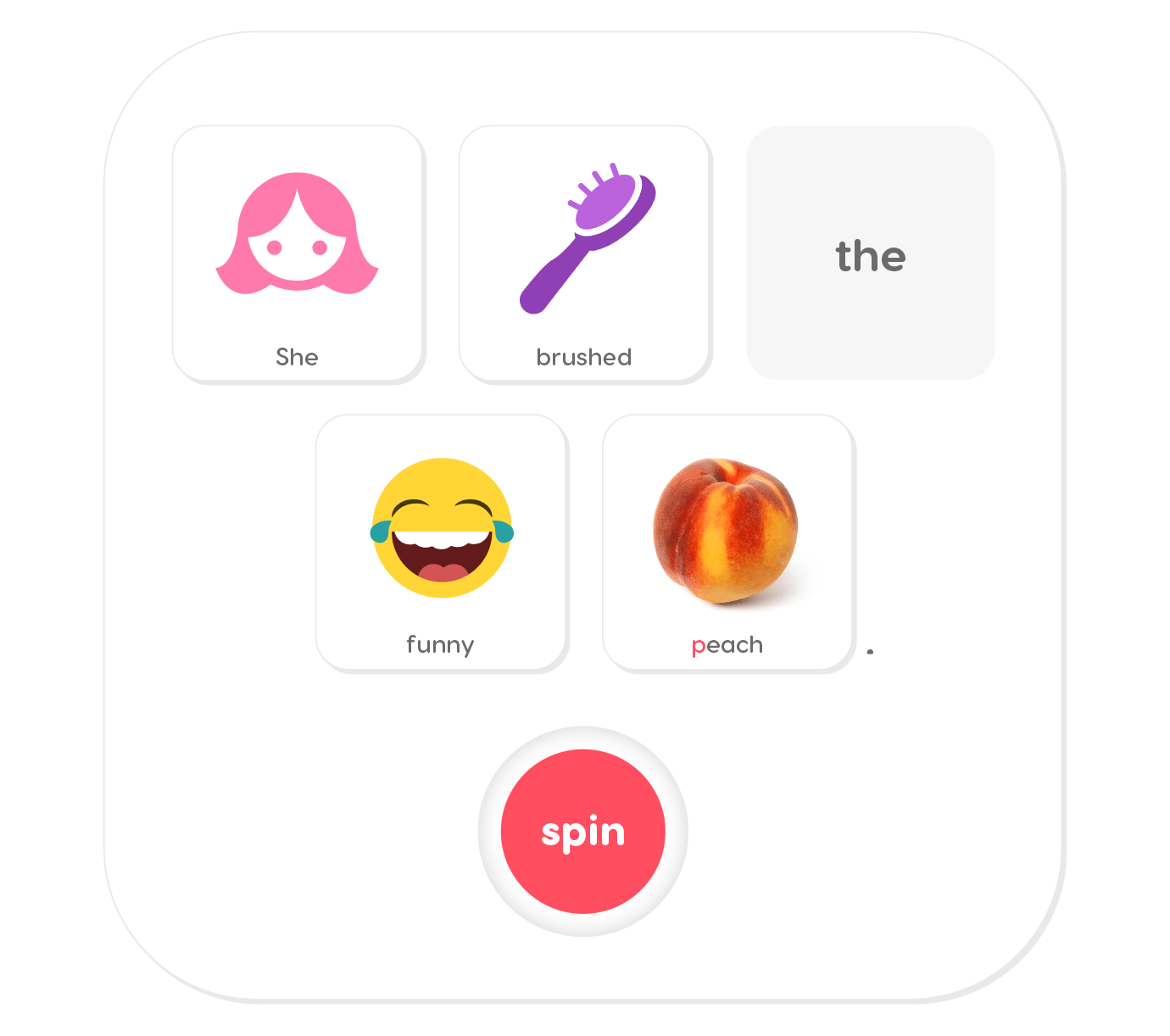
Unique Sentences
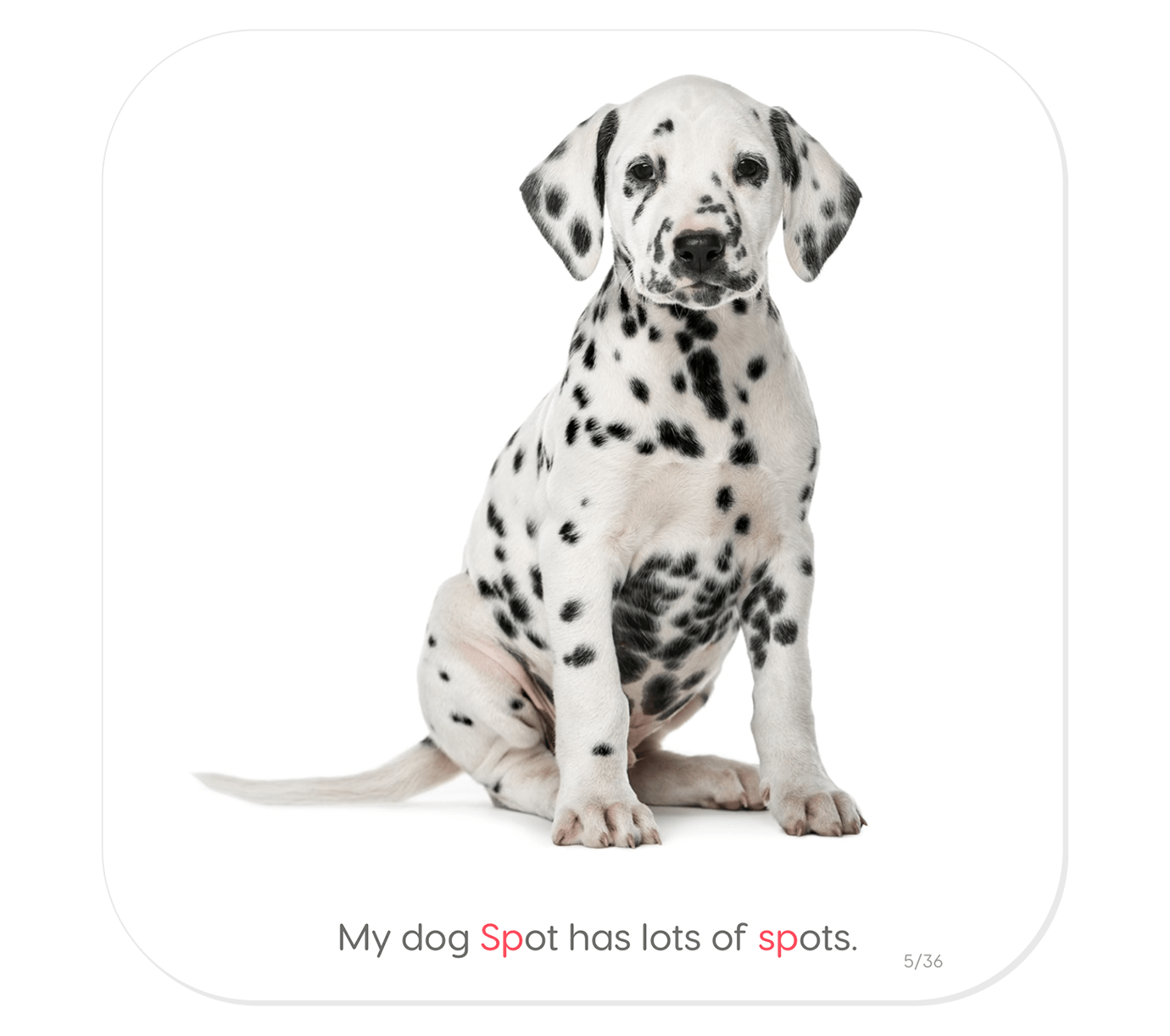
Unique sentences are usually longer and at times more complex than the rotating sentences. Each unique sentence is sound saturated, providing multiple opportunities to practice the target sound. For example, in “My dog Spot has lots of spots” the target word is “Spot” in the example below. The opportunity to practice the initial sp sound also comes with the word “spots”. Extra targets offer more practice opportunities!

Sound in Stories
Story work is a place where building sound fluency begins to approximate everyday language. Once a sound has been mastered in sentences, it is ready for practice in stories. The story level activities have options to practice the sound in a simple story (level 1) or a more complex story (level 2).

Level 1 Stories
The Level 1 stories are short, rhyming, and sometimes repetitive stories paired with picture prompts. Readers can read the story but focus their primary work on the target words. Non-readers can retell the story after hearing it from an adult. Non-readers often feel a sense of satisfaction as they “read” the story through their retelling.

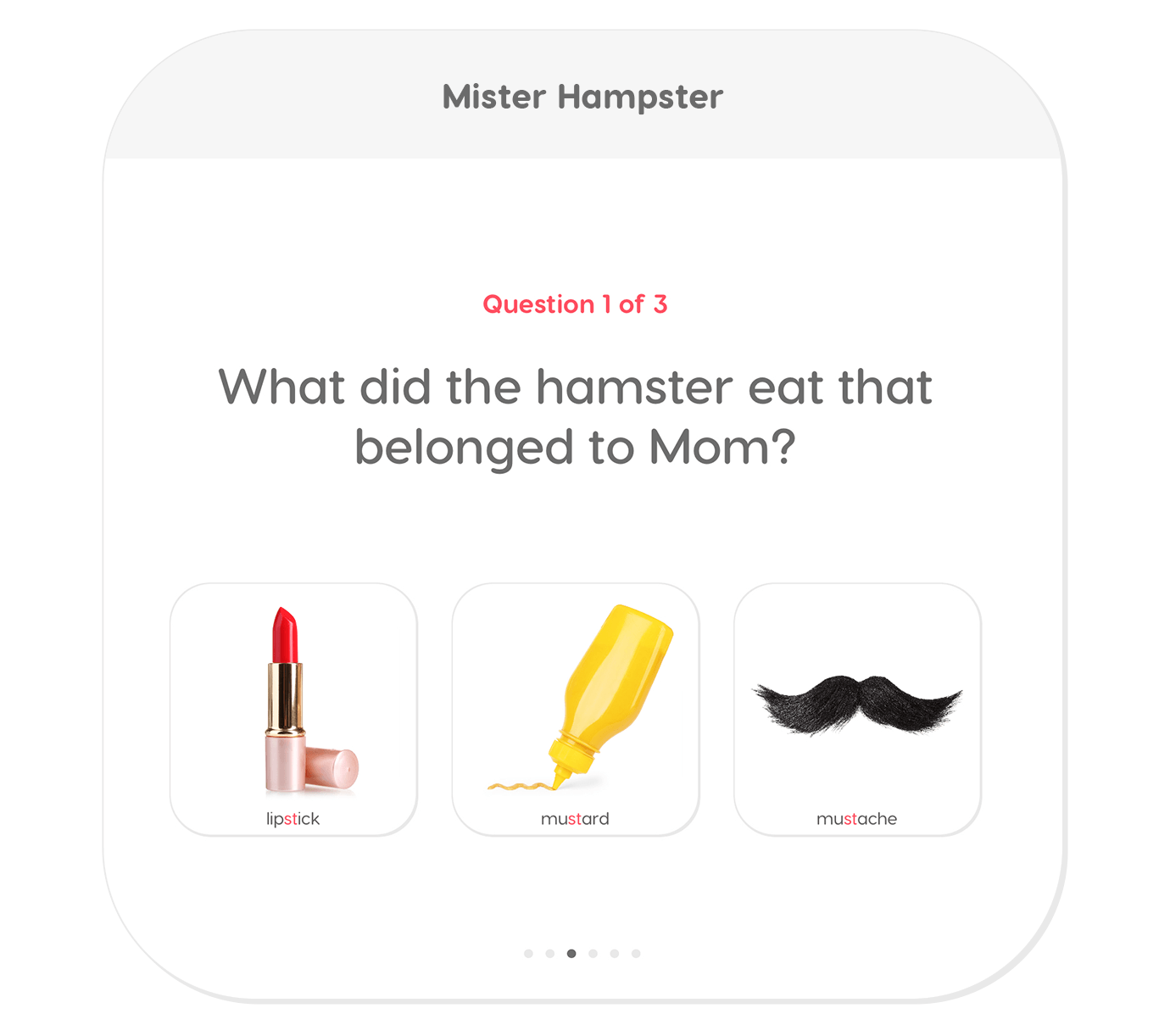
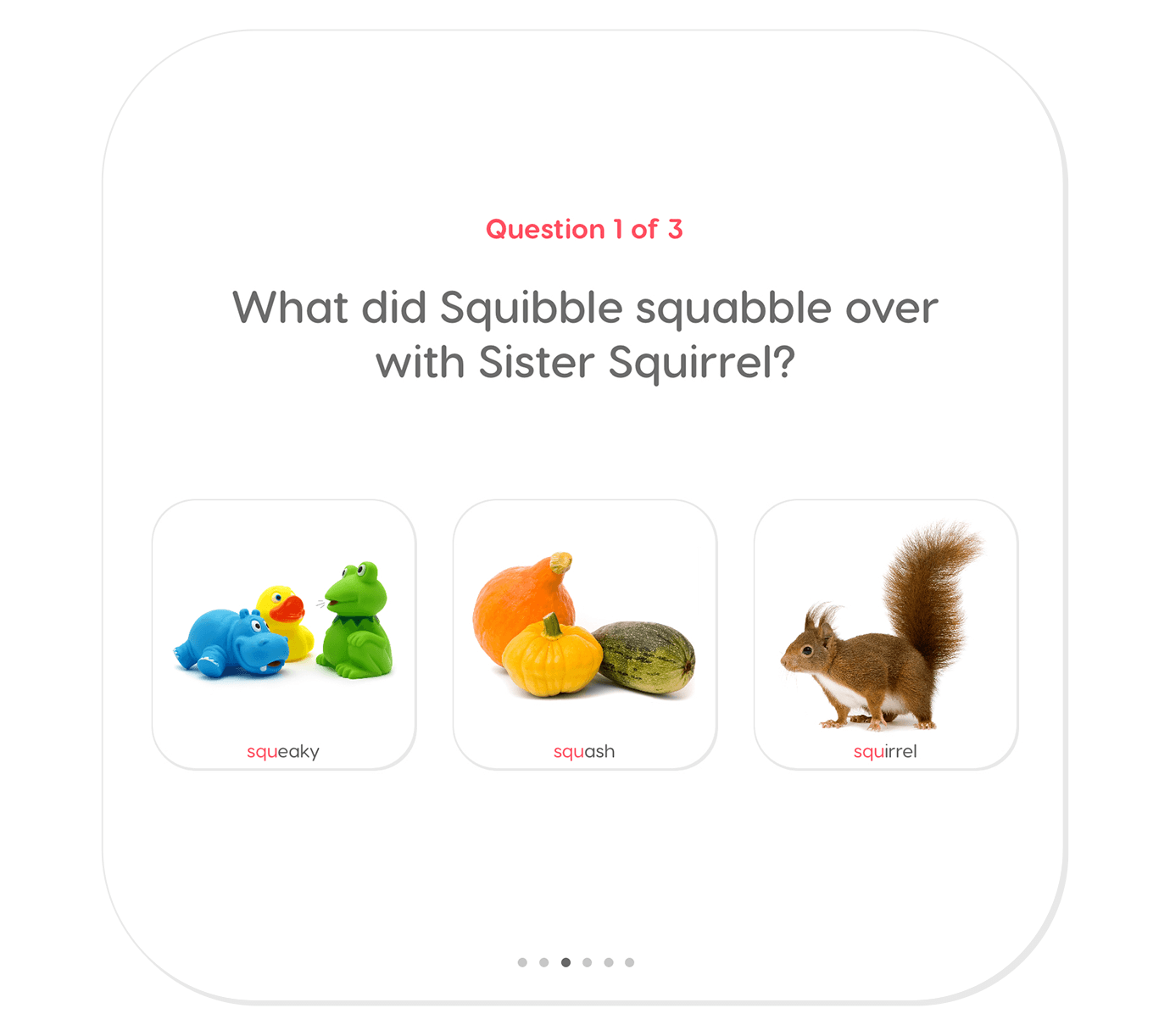
At the end of each story there are comprehension questions. This provides an opportunity to practice the target sound in more spontaneous speech.
Level 2 Stories
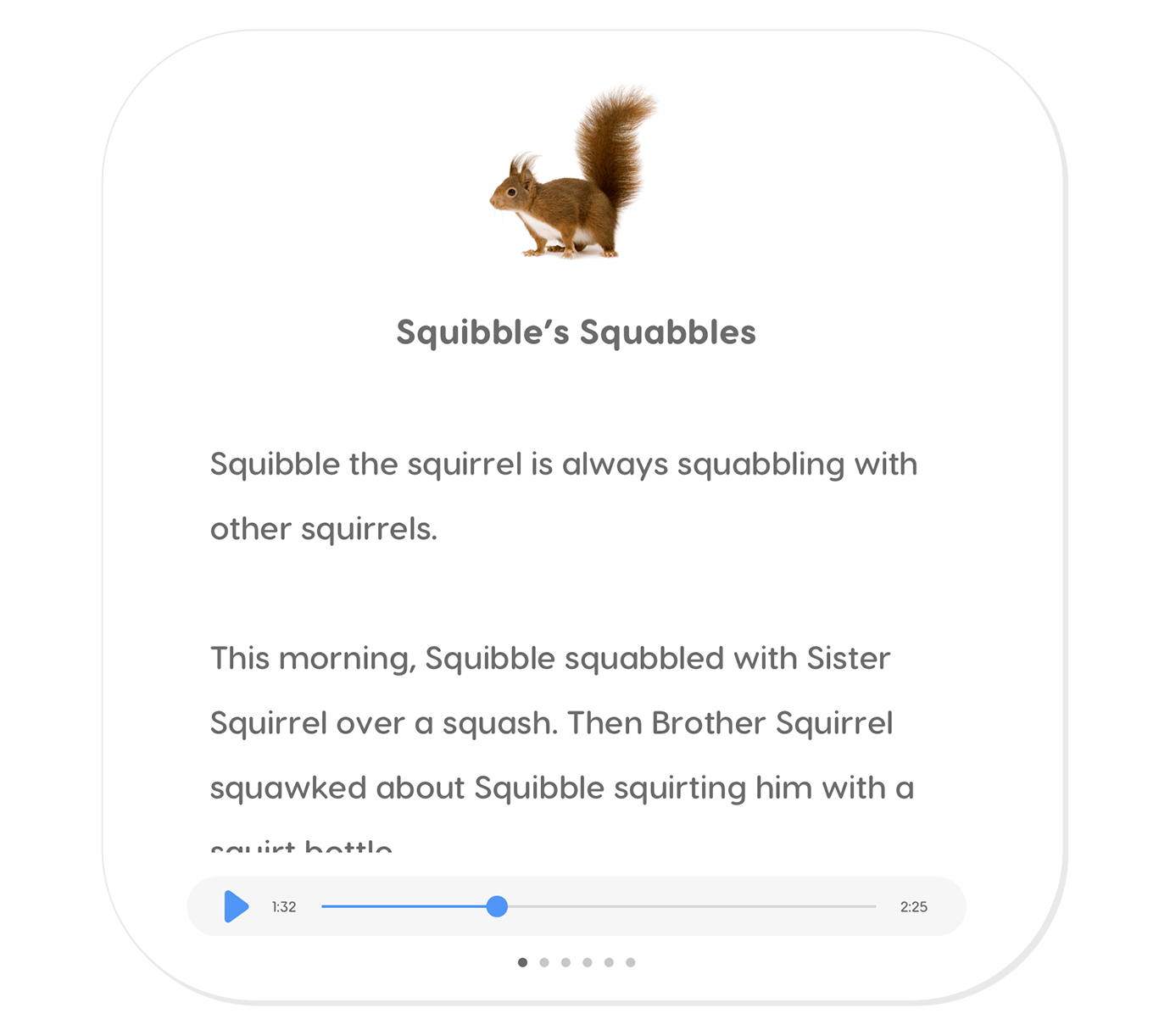
The Level 2 story is a longer story with larger vocabulary and even more opportunities to practice the target sound in a story environment. There are comprehension questions at the end of this story as well. The questions test comprehension and retention and provide yet another opportunity to practice the target sound.

Sound in Conversation
With so many steps along the way, fluency in conversation is the ultimate goal in speech and language practice. Once the target sound has been mastered all the way through the story level, it is time to practice the sound in conversation. Articulation Station Hive has two really fun activities for practicing the sound in conversation: conversation scenes and conversation questions.

Conversation Scenes
In each of our amazing and beautiful conversation scenes, the learner can scroll from right to left to explore the scene. A speech sample can be recorded and saved to score later, or their speech productions can be scored while they explore the scene.
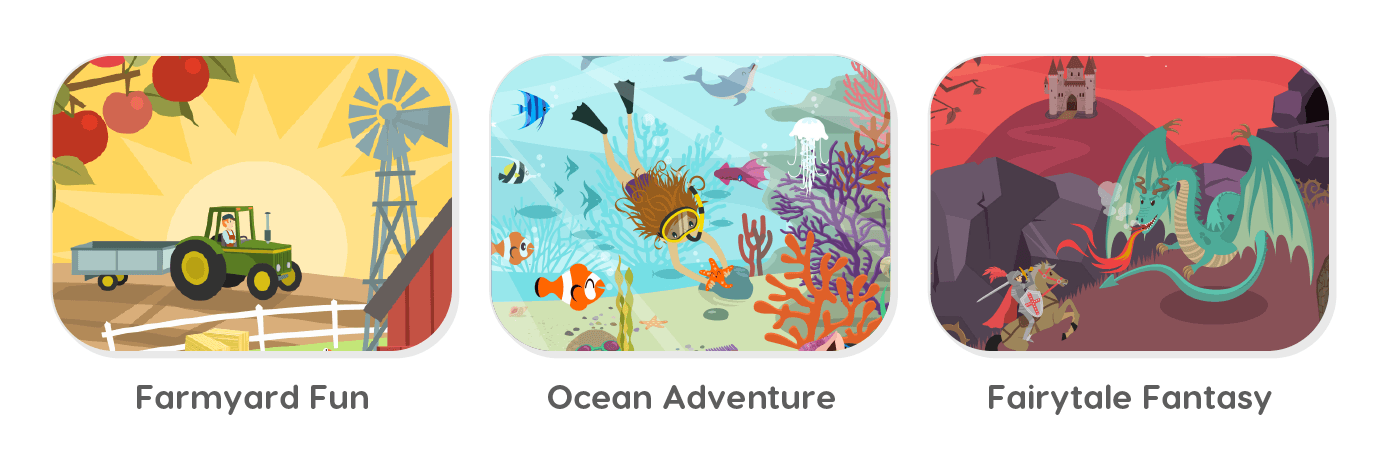
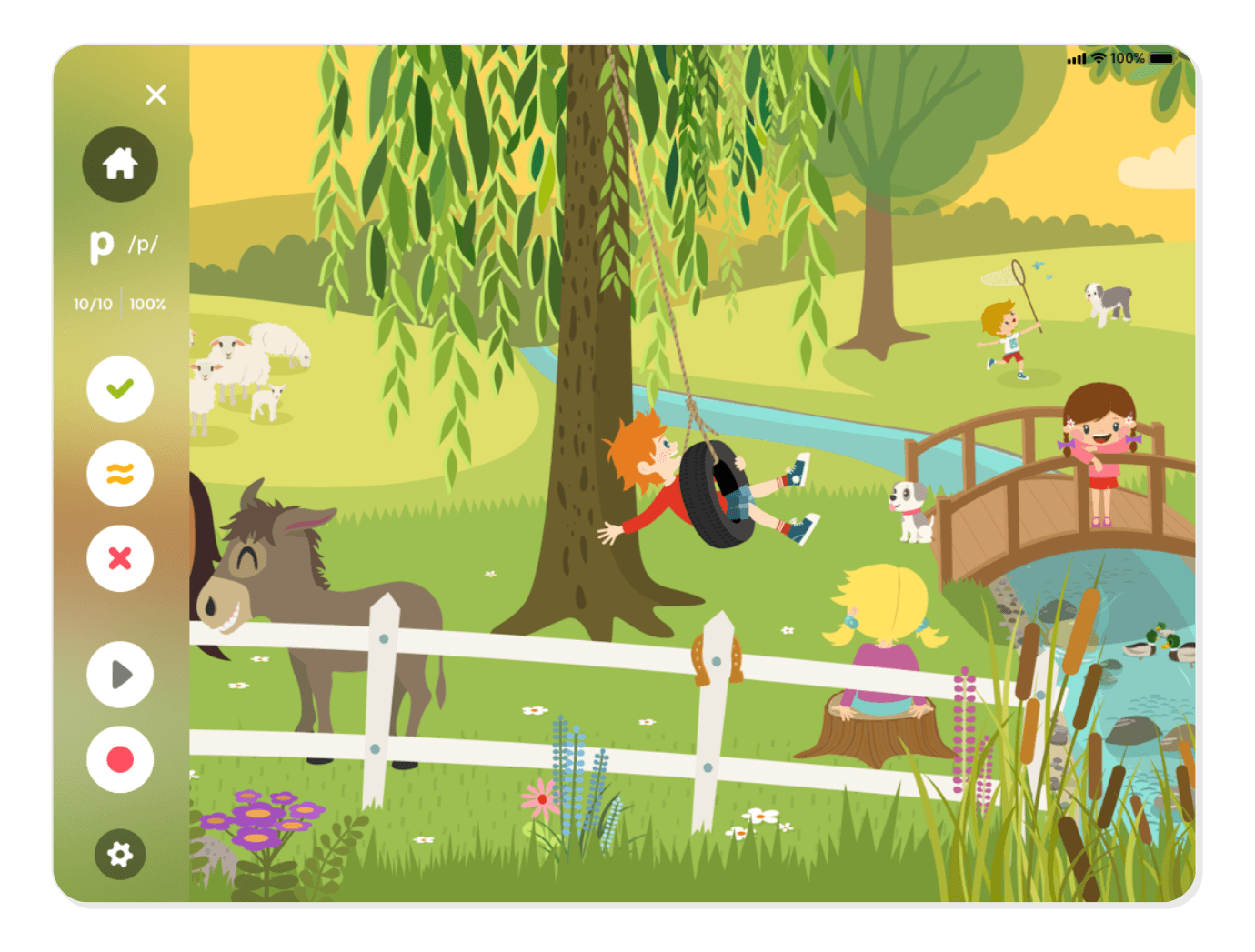
Your learners can also tap on different elements in the scene for conversation prompts about each illustrated detail. The kids love how interactive the scenes are, and you will love talking about all the things they discover.
Conversation Questions
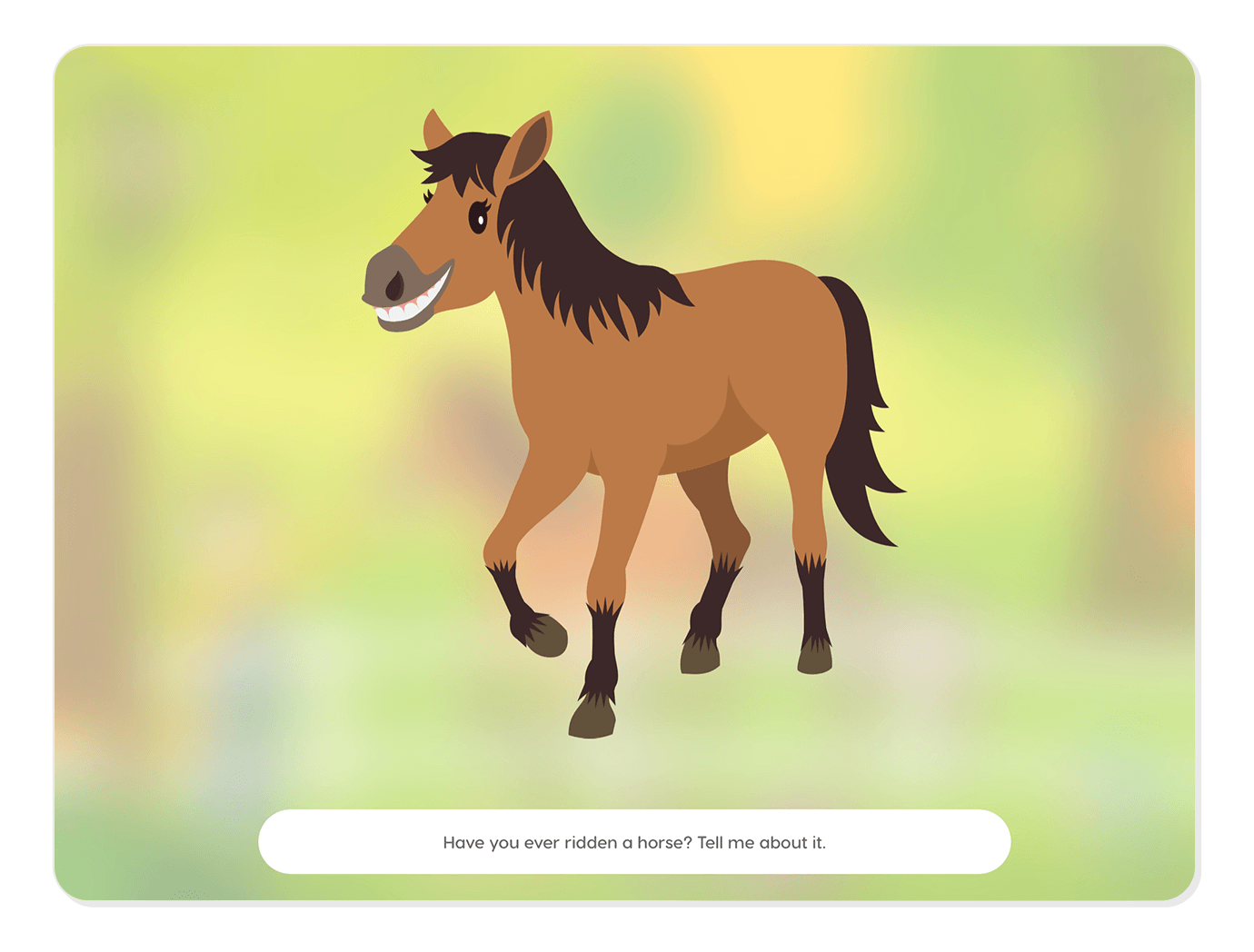
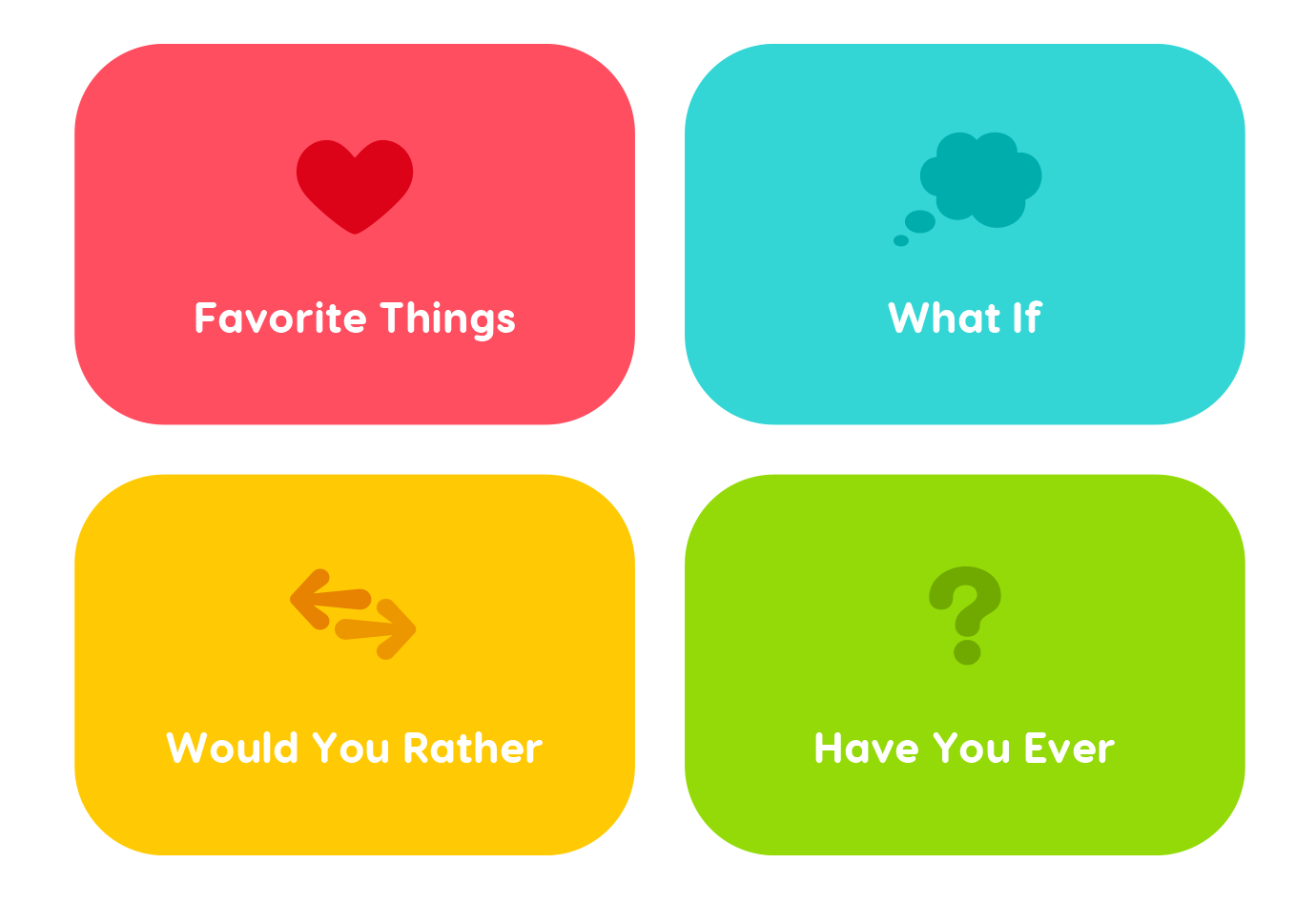
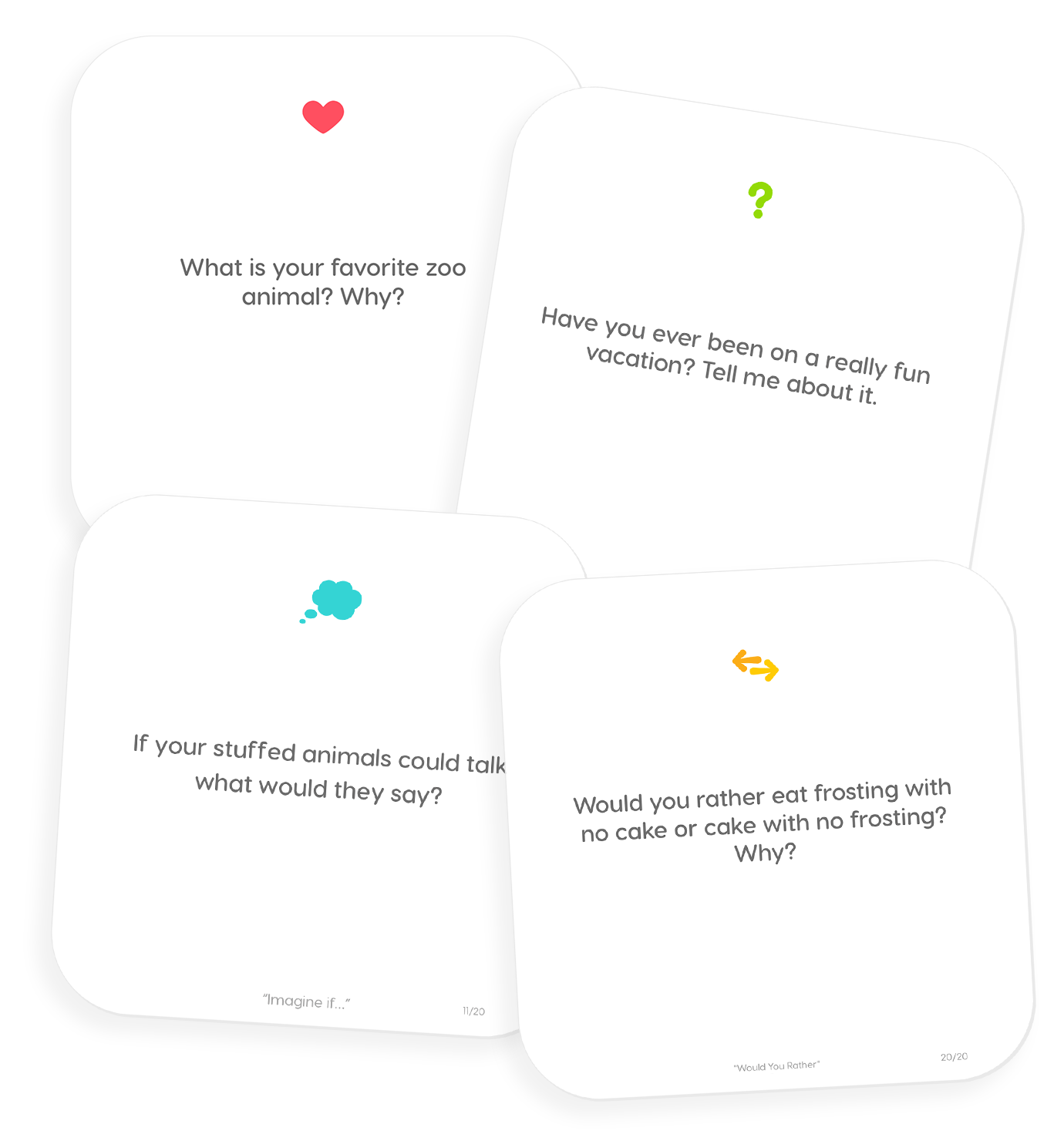
Articulation Station Hive contains four different types of conversation questions to keep the conversation going. You may choose a specific set of questions or you may do a combination of questions. Once you begin the activity, you will be presented with 20 randomly generated questions from your selected category. You may record and score the conversation just as you have done in the previous activities.

Scoring and Recording
Scoring is the same throughout all the activities in Articulation Station Hive, from isolation to conversation. Score correct, approximate, and incorrect productions with the scoring buttons on the right (green check, yellow approximate symbol, and red X). If you score something by mistake you can tap the score in the upper right hand corner to undo the last score.
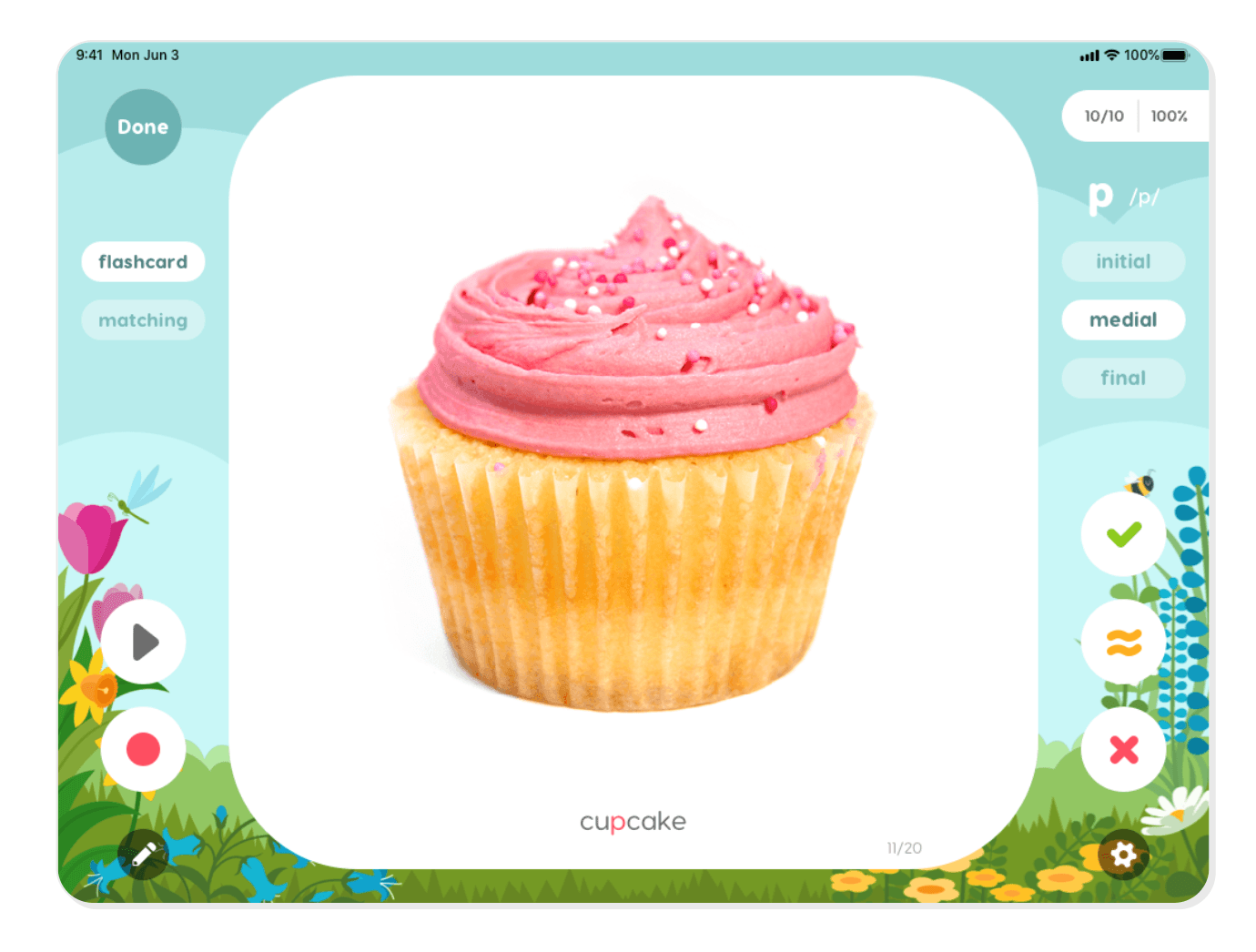
Tap the record button on the lower left corner of the screen to record each speech production. Recording and playing back a learner’s speech productions can help the teacher keep accurate data while also allowing the learner to self monitor their own speech. At the end of each session, you will have the opportunity to save the score and any associated recordings in order to track progress. To view scores, tap on the scores icon at the lower left corner of the home page.

The Dock
Additional Activities, Scoring, and Resources
The dock is an important command center for Articulation Station Hive. From the dock you can access scores, phonological processes, multiple sounds, custom words, group sessions, and other resources.
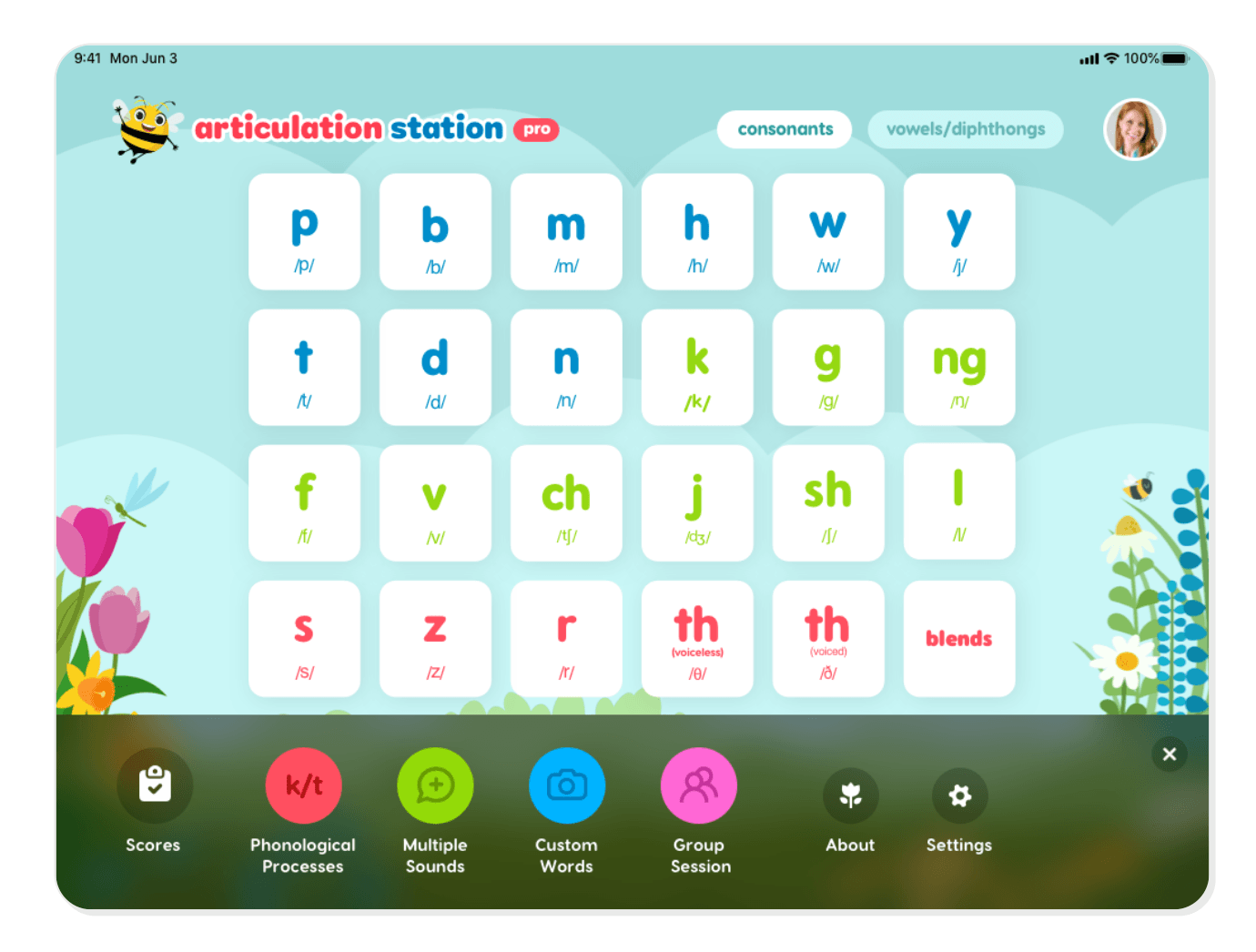
Scores
Scoring is central to tracking and understanding progress. From the scores screen you can view a summary of all your students’ sessions, and see graphs of your students’ performances on all targeted sounds or on individual sounds.
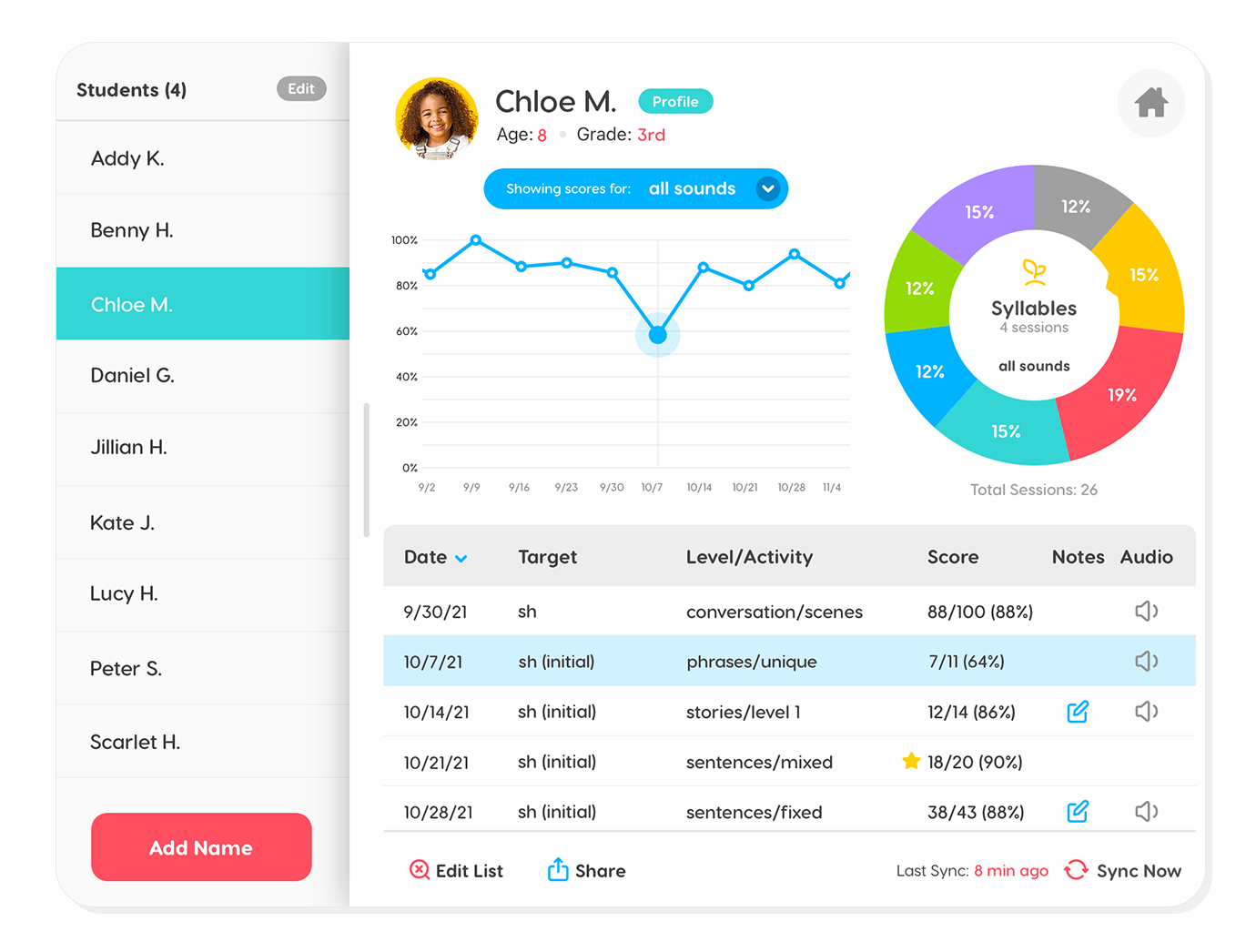
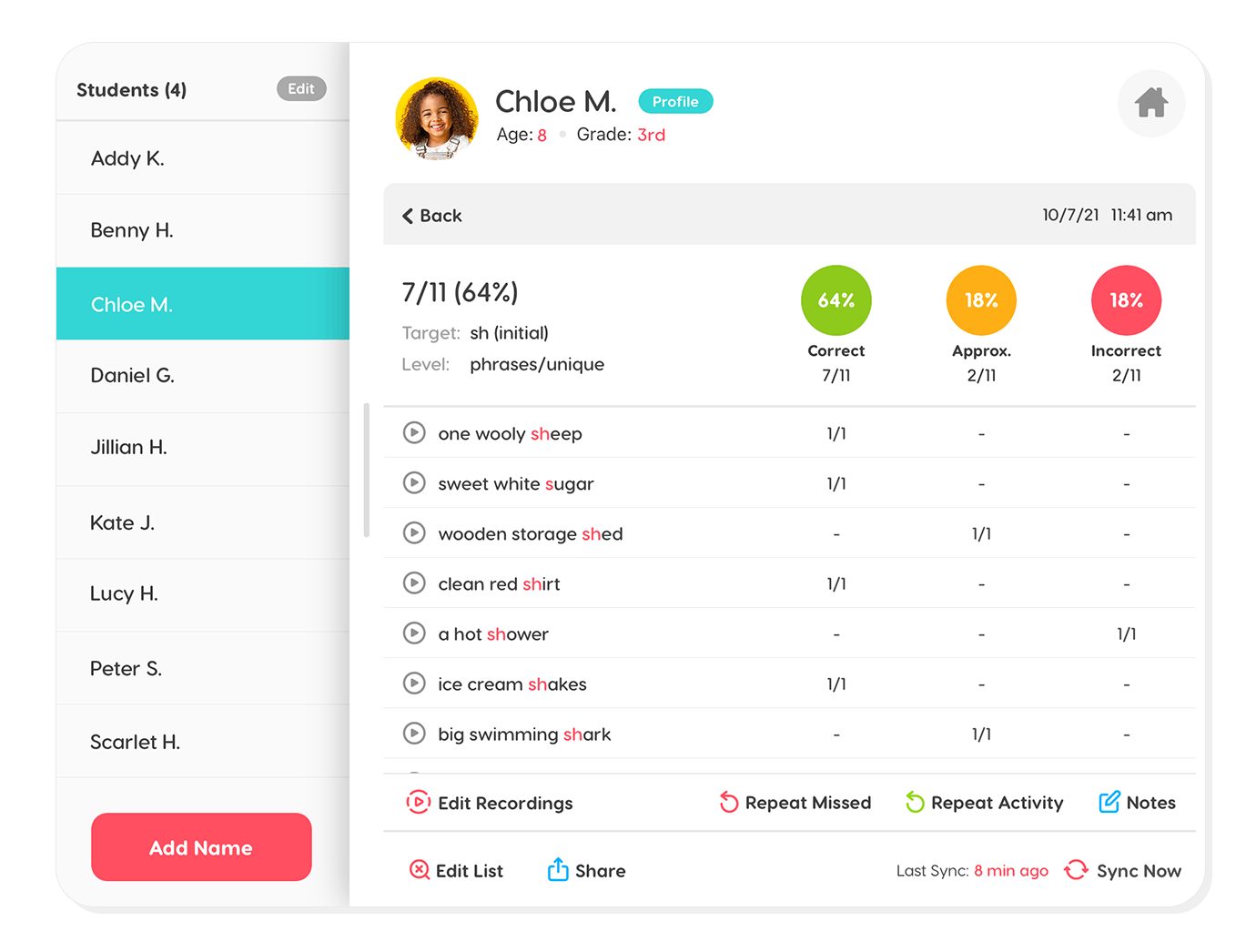
You can also tap on a session for more session details. Here you will be able to view the errors and the correct responses from the session. You can write and view notes, listen to recordings, and repeat the session from here. You can also share progress and notes with parents or adult users.
Additional data management features allow you to manage your recordings, move scores to a different student, and sync your data across multiple devices.
Phonological Processes
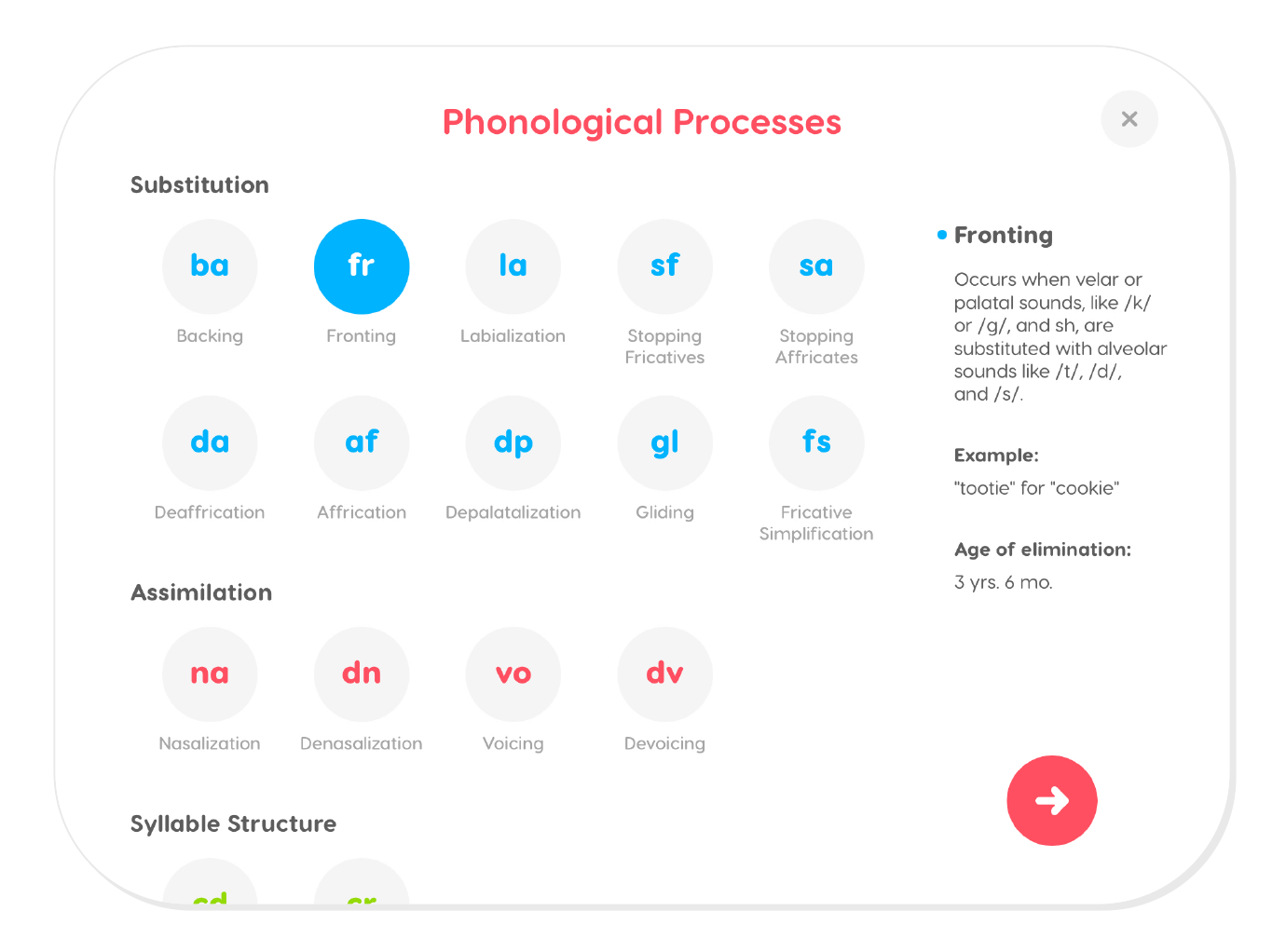
You can target specific phonological processes by tapping on the Phonological Processes button in the dock. As you select each process a definition of the process will appear on the right with an example of the process, and information on the typical age of elimination.
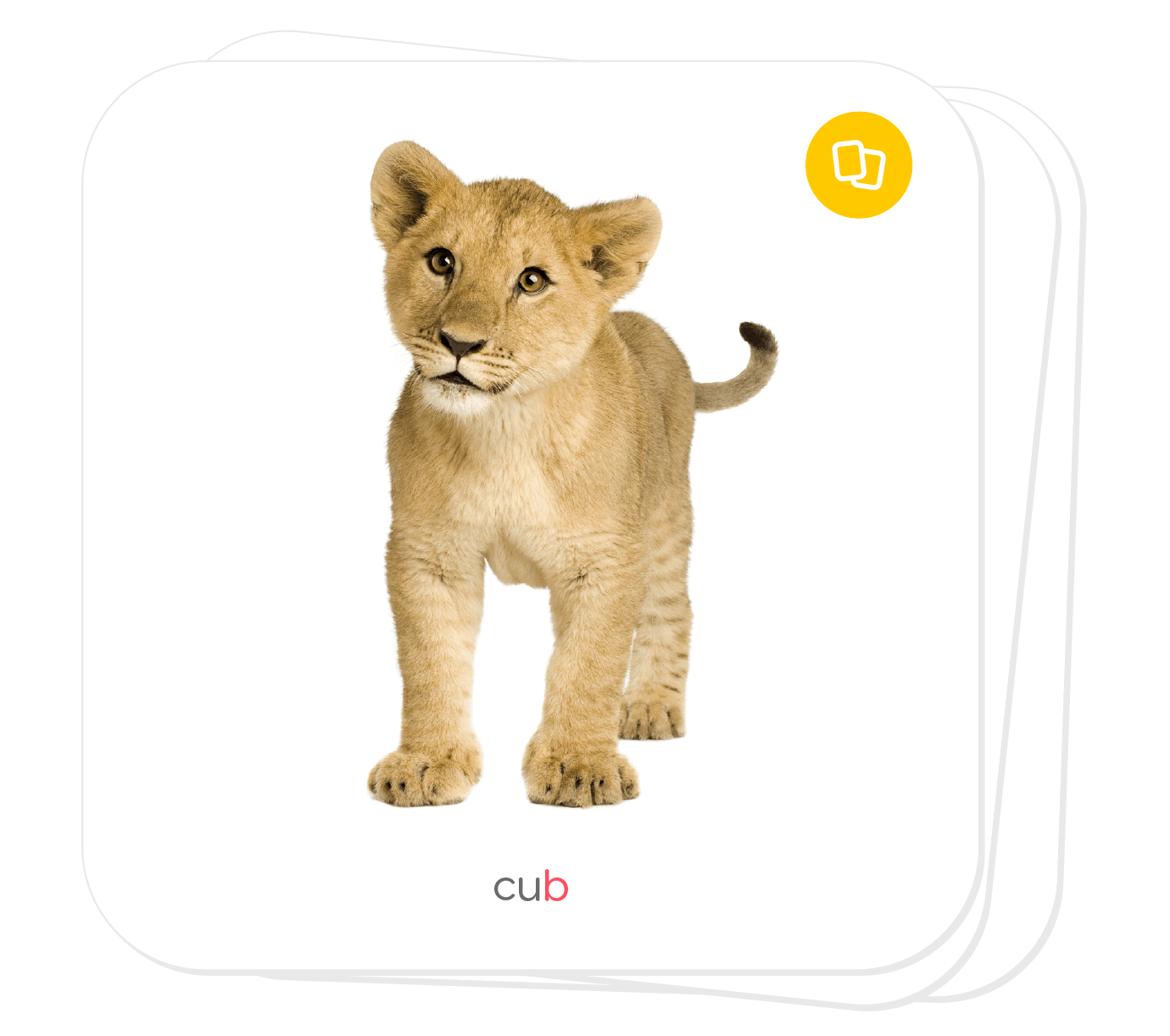
When the first flashcard comes on the screen, it will be a single word. You may choose to practice phonological processes in single words only. If you desire practice of phonological processes while using minimal pairs, tap the orange pairs button in the upper right corner of the card and the pair will be shown.
Multiple Sounds
The multiple sounds feature gives the user the flexibility to create word lists that focus on a learner’s individual needs. To target more than one sound at a time, tap on the Multiple Sounds button in the dock. Then select the sounds and positions you want to target.
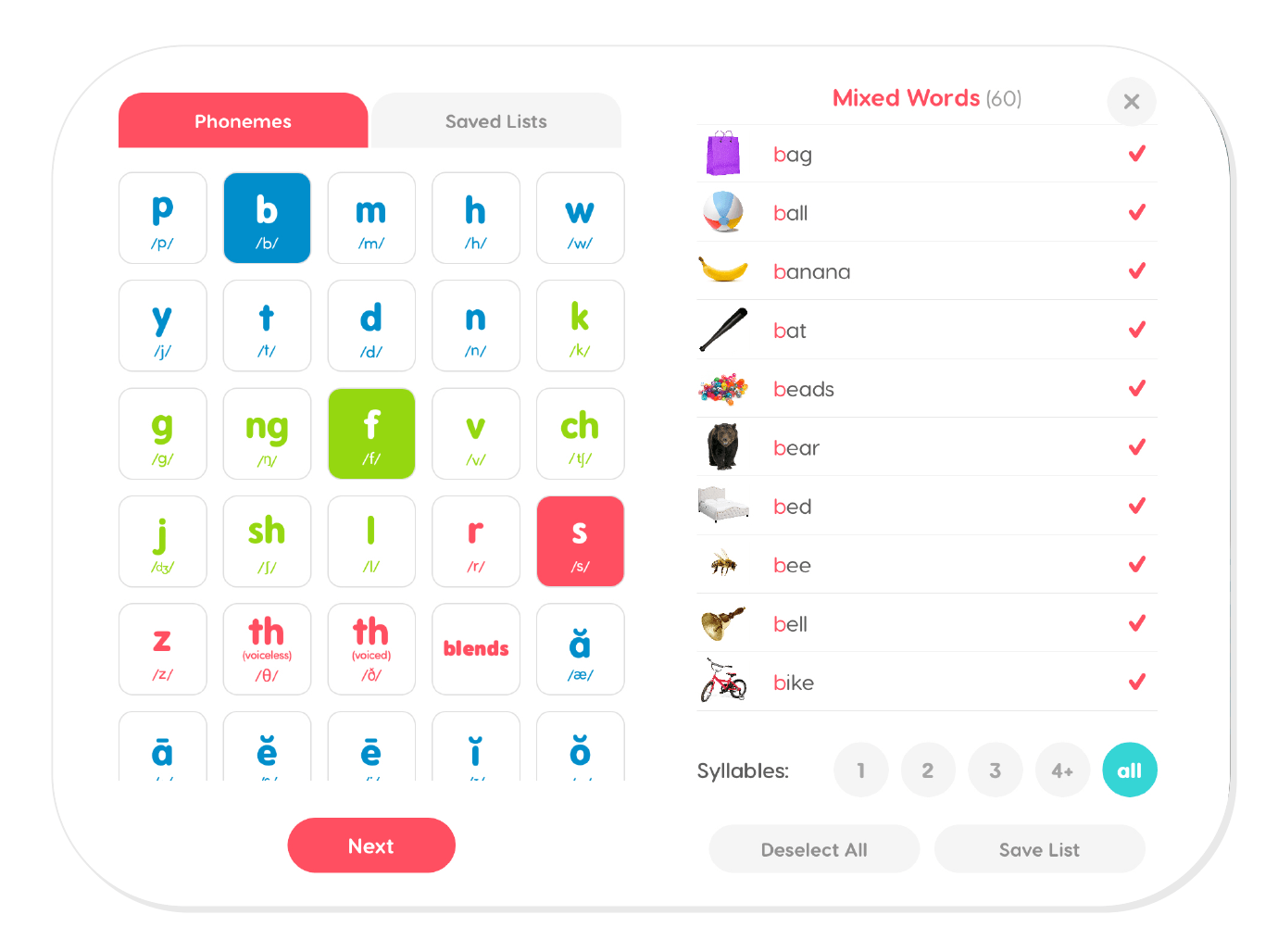
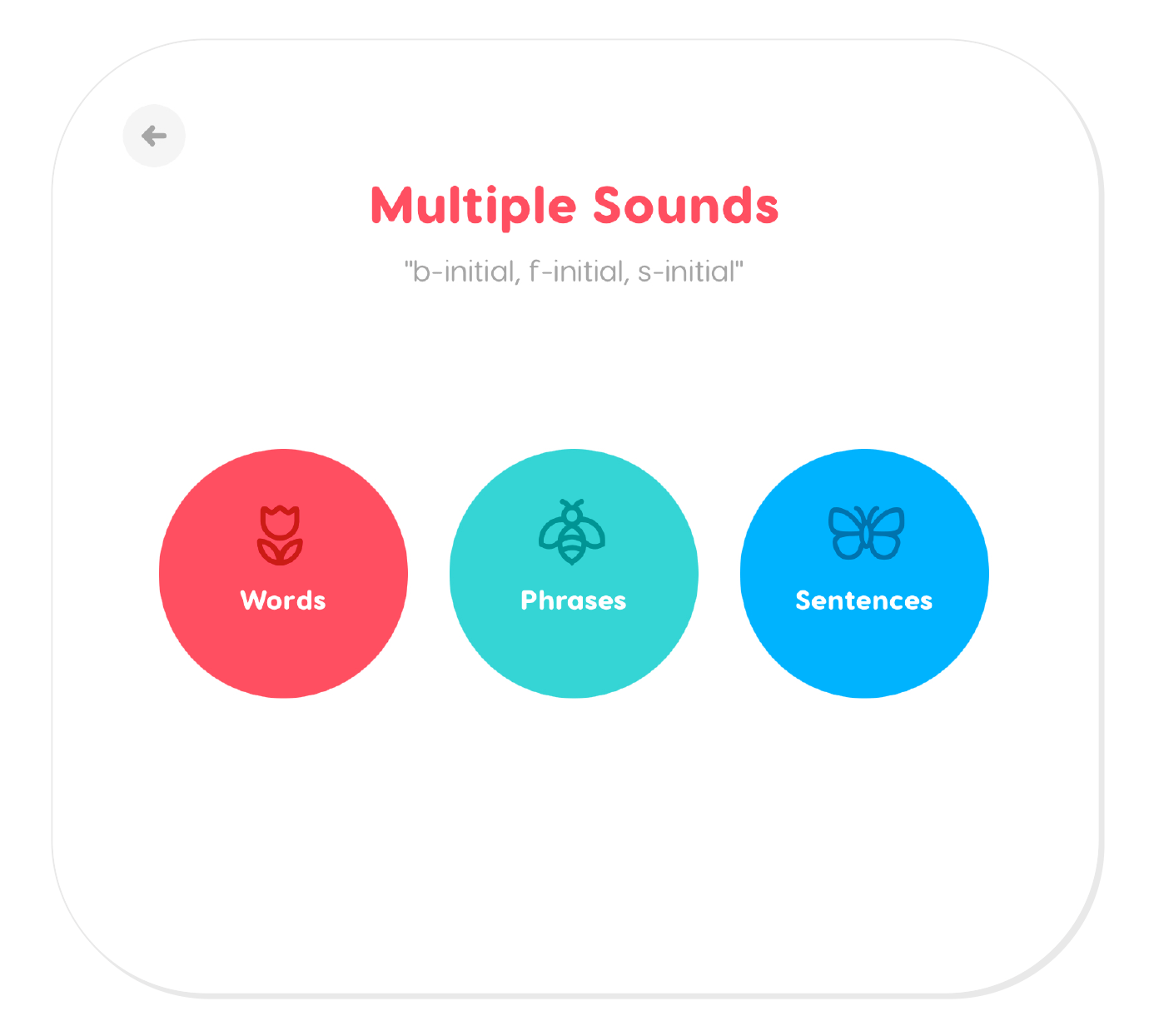
You may modify your list by selecting the number of syllables, deselecting words, or adding suggested words and custom words. Once you have made your modifications, you may save your list to access later. Once you have made your selection, tap the Next button. Then you may choose to target the sounds in words, phrases, or sentences.
Custom Words
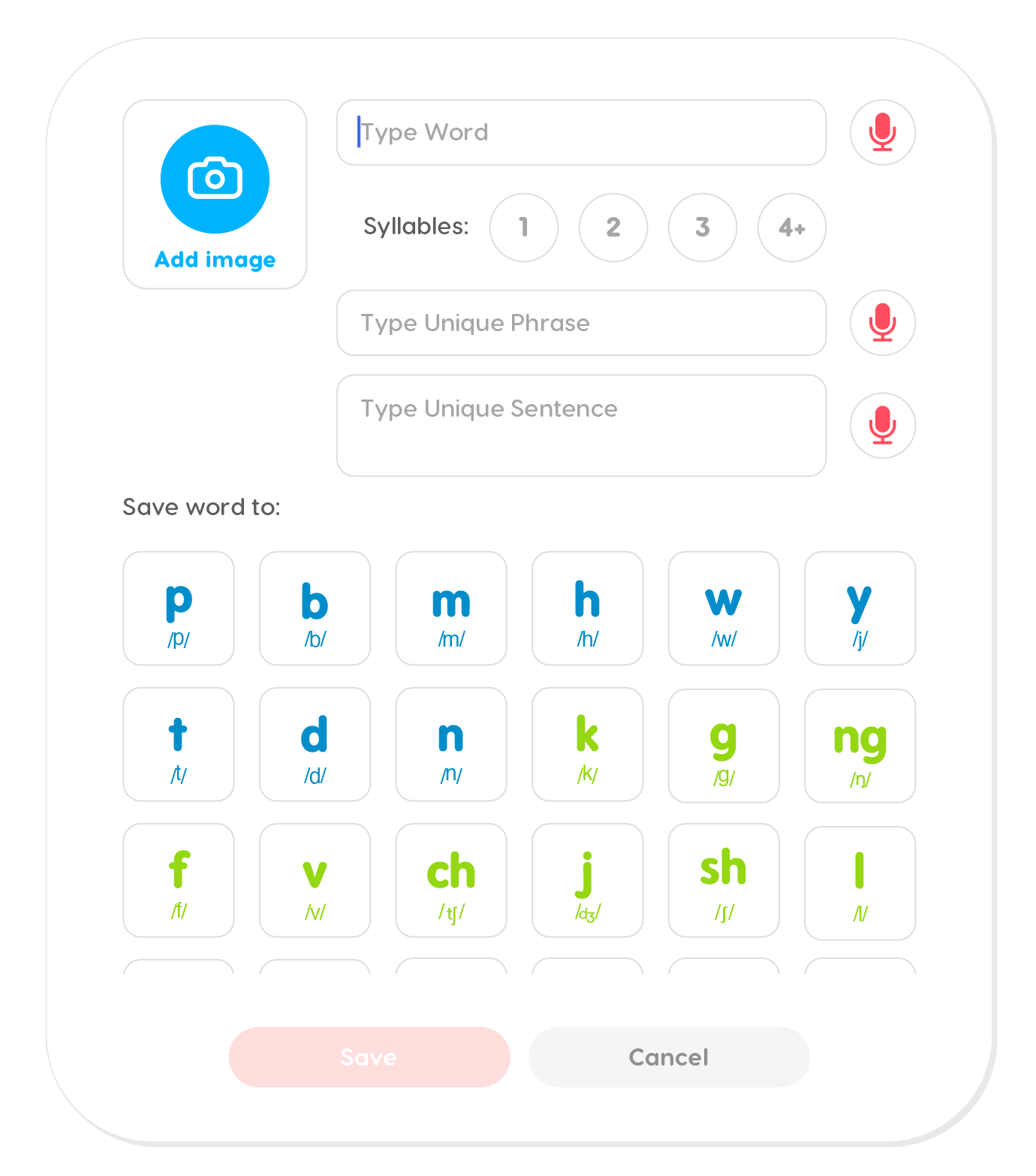
Articulation Station Hive allows you to add images and words that will help personalize it. Speech activities can become more engaging when personalized target words are taken from a learner’s interests and environment and then integrated into learning activities.
Groups
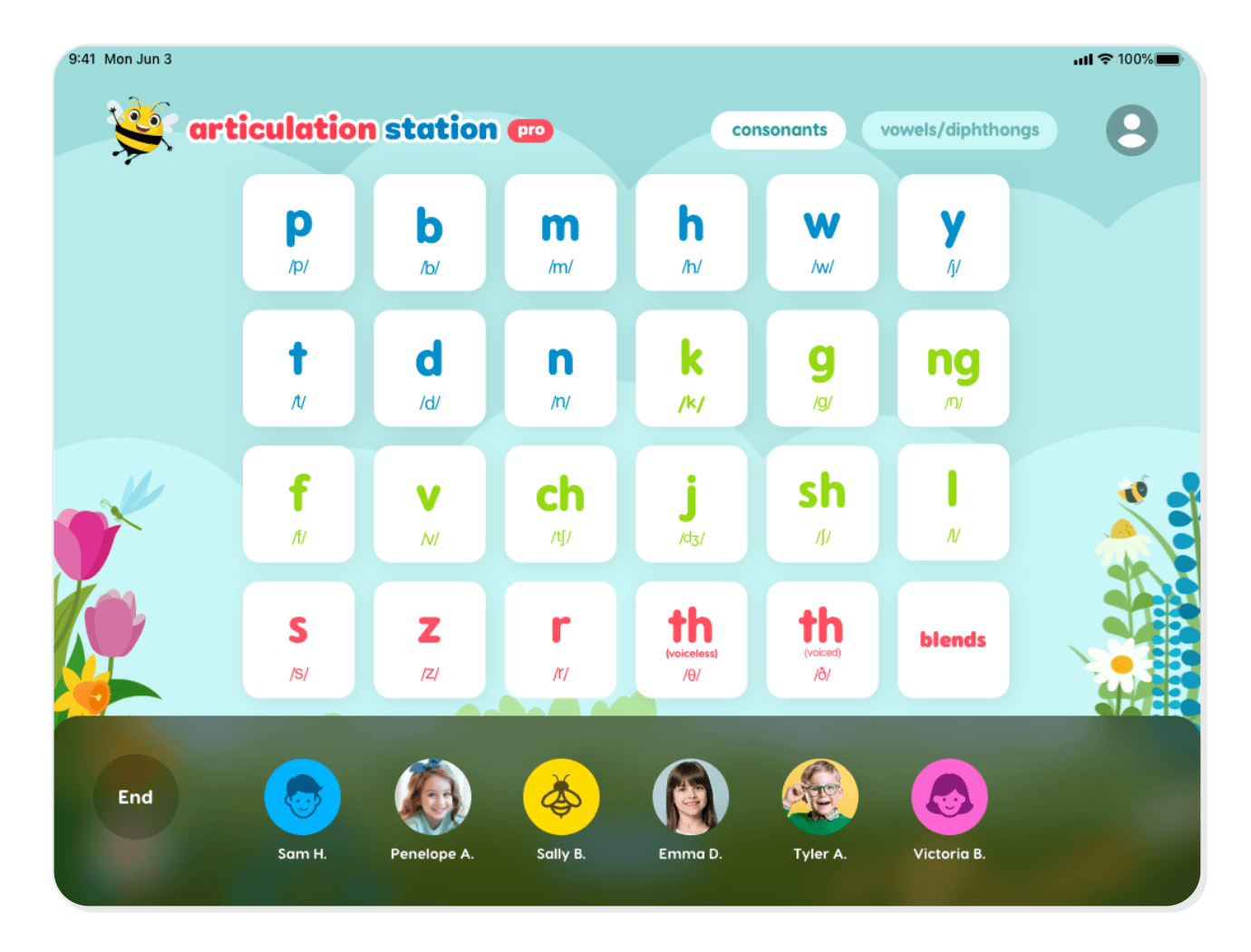
You can easily work with groups of students (up to 6 at a time) in Articulation Station Hive. Group sessions are typical in school settings but they can also be meaningful in private practice. Students work together taking turns in the group session and the scores are saved and stored under each student’s individual name at the end of the session. It’s like magic!
Settings
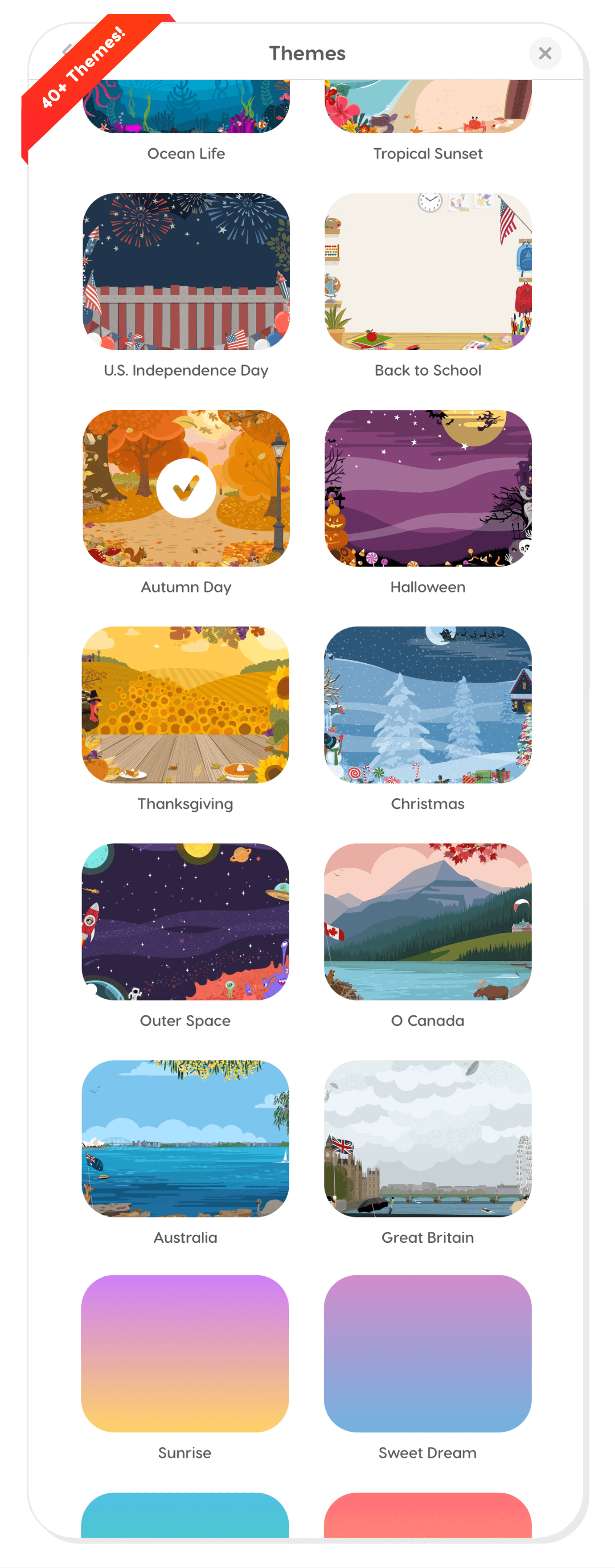
The settings allow you to modify your experience in many ways. The most fun and visual change is the ability to change the theme. There are seasonal themes, holiday themes, just-for-fun themes, and multiple colored backgrounds. Changing the theme can make Articulation Station Hive feel new again as it keeps kids more engaged and provides adults with an age-appropriate experience.
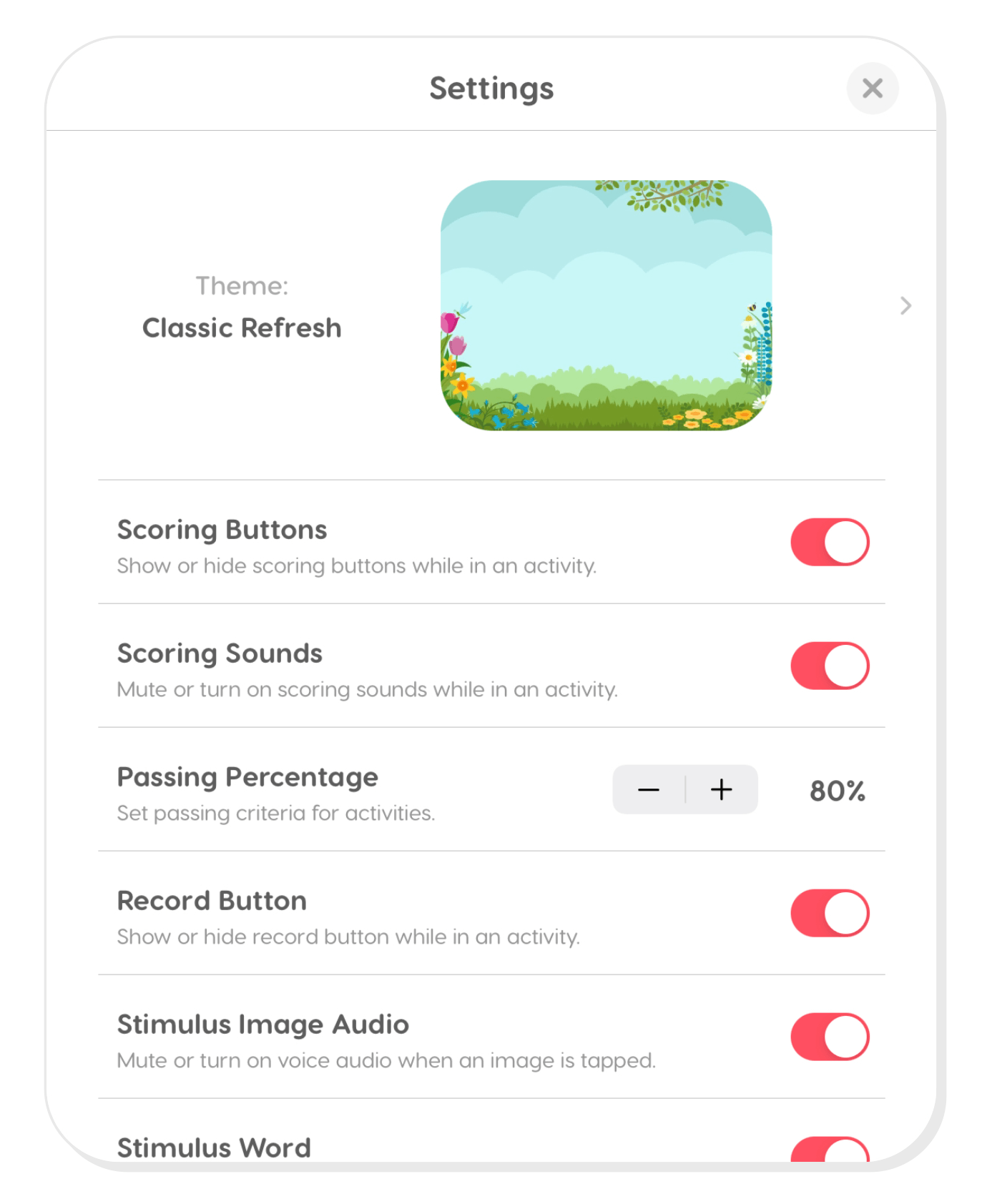
There are many other adjustments that can be made in the settings which allow you to tailor the functionality to your needs.
We are over the moon excited about Articulation Station Hive and all that it offers. We know it will be a powerful tool in your therapy room and we are committed and focused on making it the best articulation therapy software available.
Click below for a 5-minute video overview of Articulation Station Hive to see it in action!
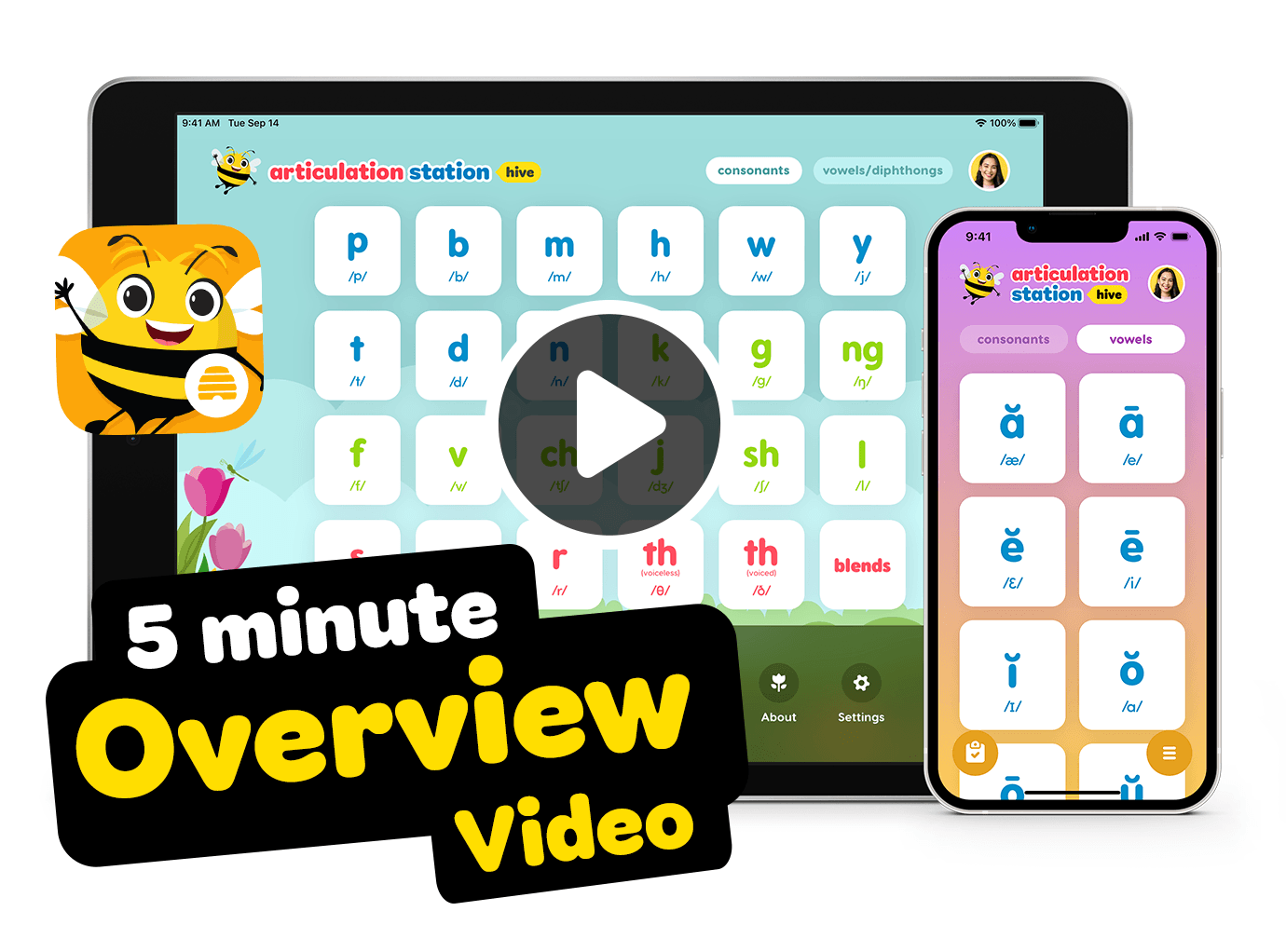
Articulation Station Hive is available on the Apple App Store and comes with a 14-day free trial.
Additionally, we’ve priced the annual pro subscription with a built in $60 savings per year when compared to the monthly option to make up for the 2-3 summer months school based SLPs are not working.
Professional Tier (14-day free trial)
$9.99/month per individual user (billed annually)
$14.99/month per individual user (billed monthly)
• Full access to all activities
• Unlimited students
• Group sessions
• Migrate student scores from Articulation Station Pro Classic to Articulation Station Hive
Parent Tier (14-day free trial)
$6.99/month per individual user (billed annually)
$9.99/month per individual user (billed monthly)
• Full access to all activities
• 2 student limit
• No group sessions
• No data migration option
Group Extended Trial
Groups with 5 or more SLPs (e.g., school districts, clinics) qualify for an extended FREE trial. Just fill out this form to get started!
Download Articulation Station Hive today and give it a try free for a couple of weeks. We know Articulation Station Hive will be a powerful tool in your therapy room and help you in being the most efficient SLP you can be!