Taking Notes in Therapy
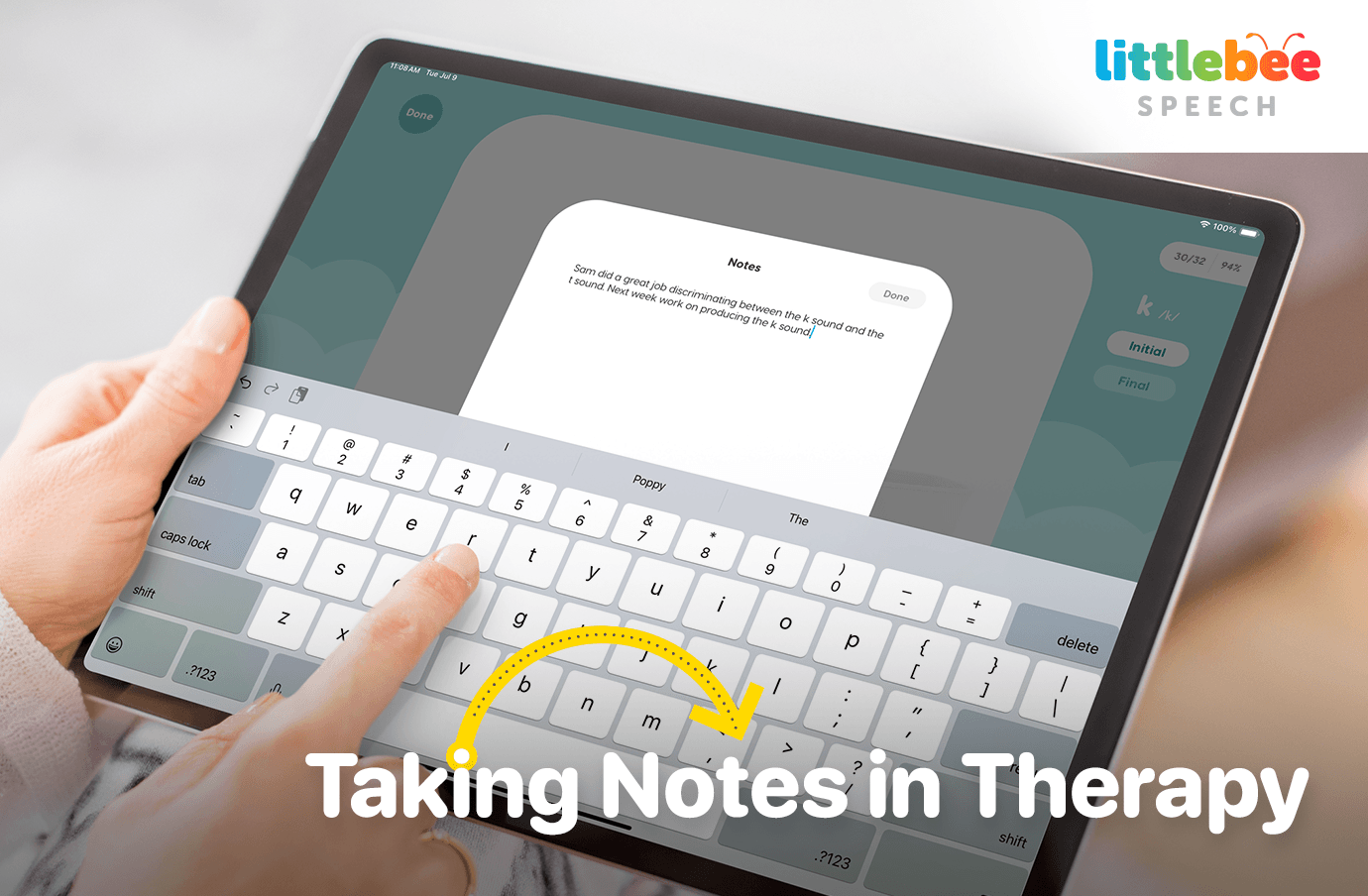
Efficient and accurate note-taking is essential for tracking a child’s progress in speech therapy sessions, and in planning future therapy sessions.
The ability to clearly document observations, student progress, and therapy plans can make a significant difference in the quality of care you provide. But even with our best intentions, we often end up with disorganized notes consisting of sporadic thoughts and scores that can be time consuming to organize.
We know the struggle all too well! So, we’d like to share some practical tips for taking meaningful notes in therapy sessions, as well as tips for using the notes feature in Articulation Station Hive that will help you stay organized, and be better prepared for therapy sessions and IEPs.
If you use Articulation Station Classic, or Articulation Station Hive you’re likely familiar with the audio recordings and scoring button features they offer, but don’t forget to utilize the note taking feature as well!
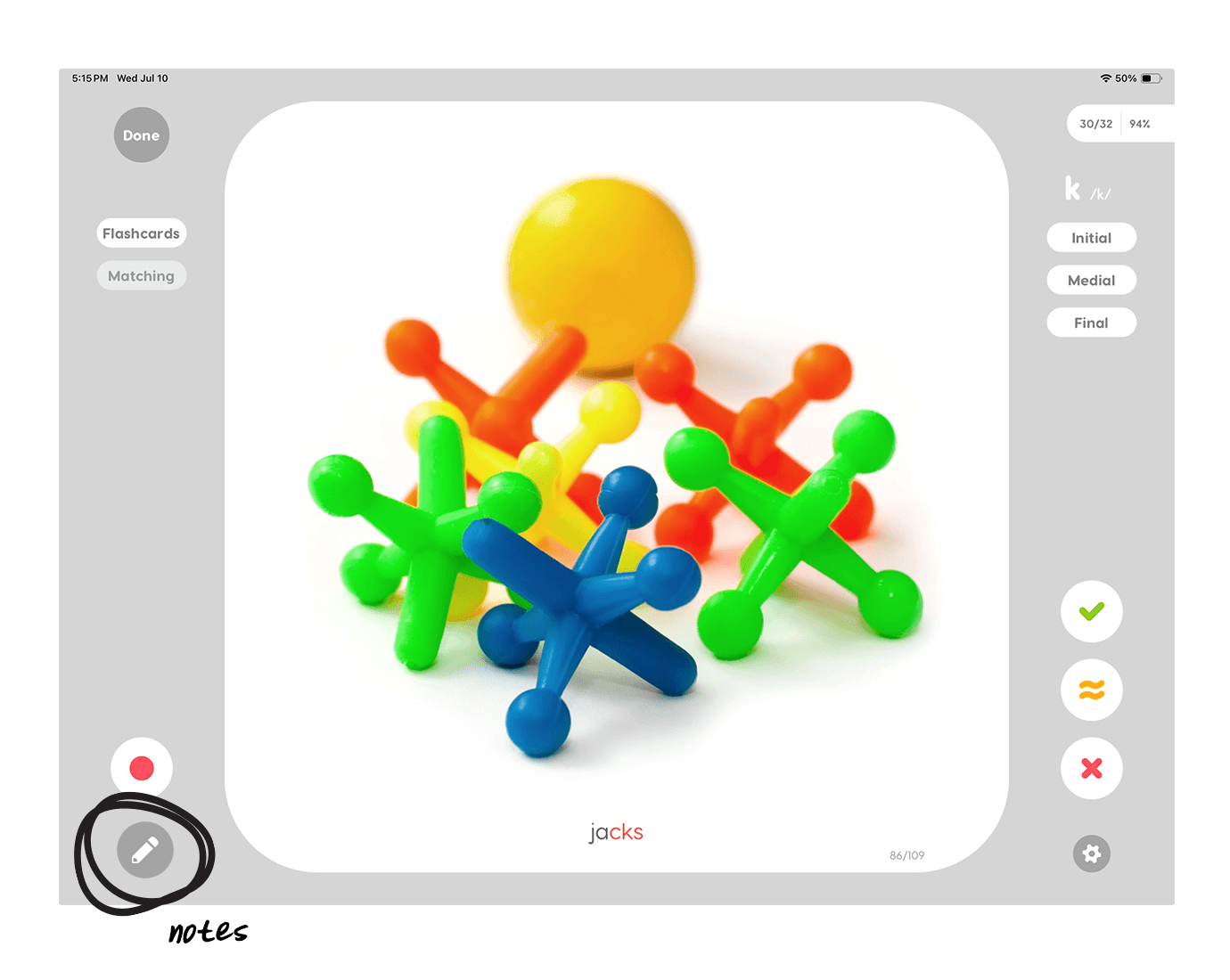
You can easily take individualized notes in Articulation Station Hive by tapping the small pencil button below the recording button, on the bottom left corner of the screen. The notes are then saved for that activity and accessible in the student’s profile to use for planning the next session, progress reports, IEPs, etc.
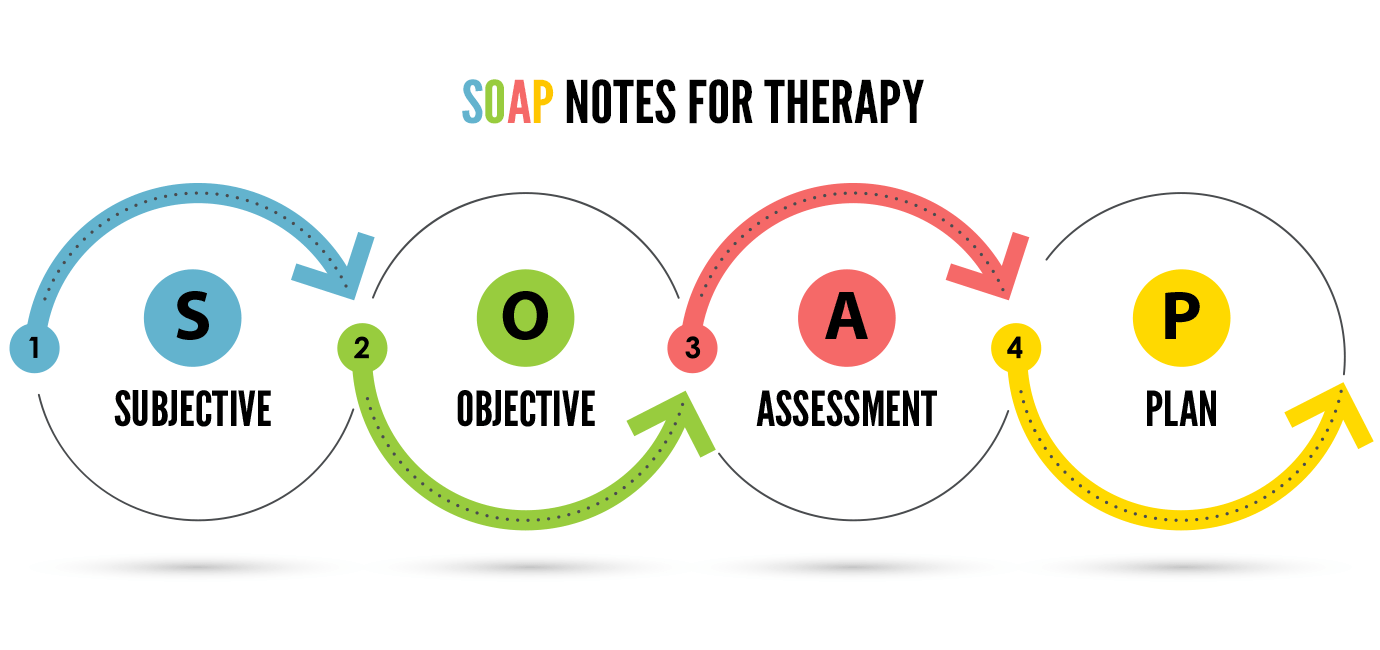
When utilizing the notes section, just take it back to the basics. Document as much or as little as you’d like, and use the SOAP acronym to guide you! Here’s a quick review:
S – Subjective:
Jot down your observations, or information you receive from caregivers. For example, you may note if the child entered the therapy session with ease or if they demonstrated frustration as they completed tasks.
O – Objective:
This is where you track the accuracy of a student’s speech productions. The recording and scoring features in Articulation Station Hive make this easy. Simply press record, score the student’s productions as correct, incorrect, or approximate, and save your scores to track progress, and review in IEP meetings. If you, or the little fingers of your student, score something by mistake you can always tap the overall score in the upper right corner to undo the last score. This helps keep your data accurate.
A – Assessment:
Note how the session went and what progress you observed. You may note the level of prompting required, for example, “moderate tactile cues/hand prompts were needed throughout the session” or “ they were most successful after an initial model”. In the minimal pairs activity you may note whether you were working on auditory discrimination, or on speech production. Anything else you observe during the session can be described here as well. For example, you can describe nasal air emissions exhibited or tongue placement differences.
P – Plan:
Outline your plan and potential targets for the next session. For example, you could note: “Ruby did very well at the phrase level today. Ready to move to rotating sentences next week.”
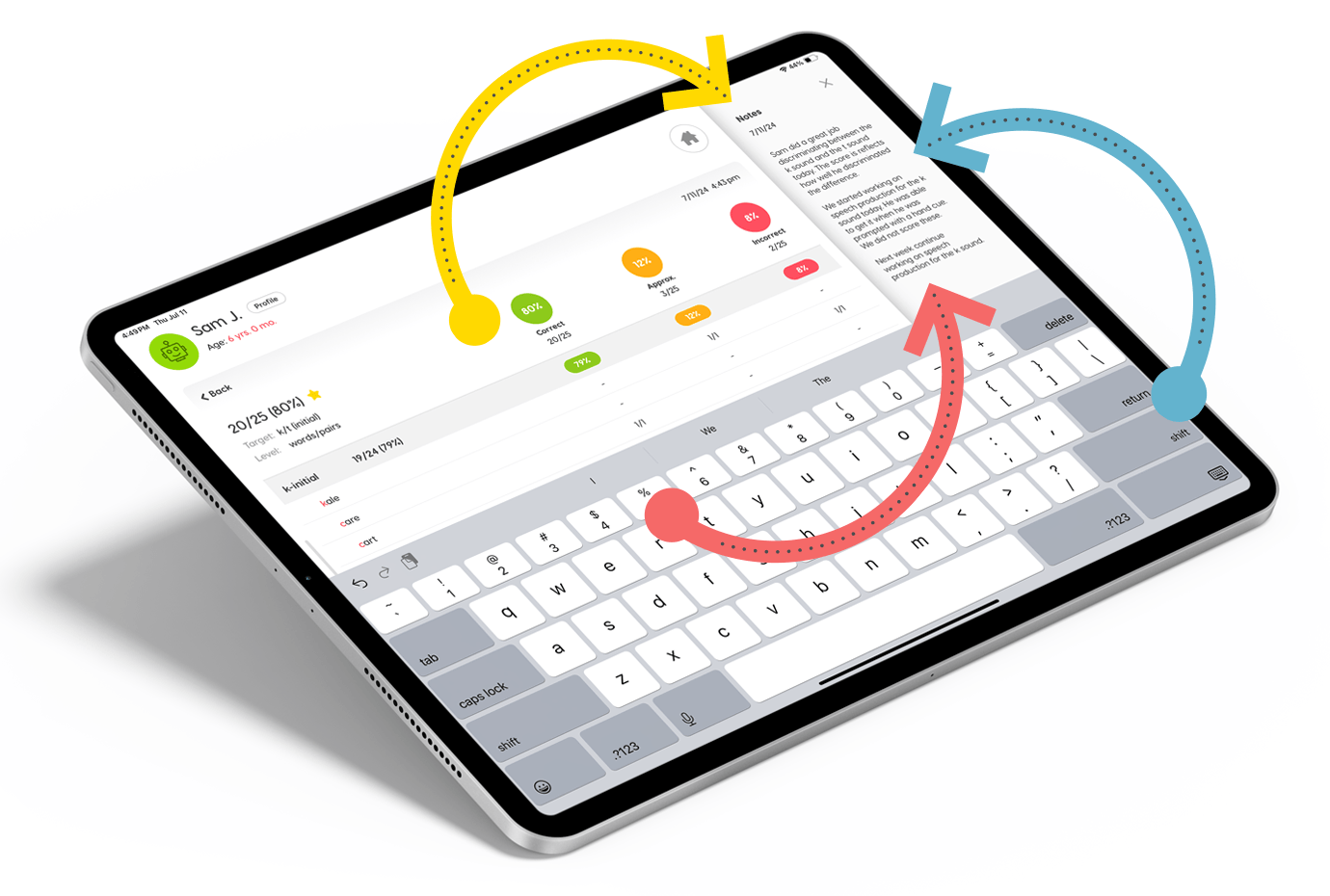
Effective note-taking and data management are cornerstones of successful therapy. With Articulation Station Hive, you can streamline these processes, ensuring that your records are accurate, accessible, and easy to update. This not only saves time but also enhances the quality of care you provide to your students. By taking advantage of the audio recording features, the scoring buttons, and the notes feature, you’ll find that you are better prepared for upcoming therapy sessions, progress reports and IEPs.

Little Bee Hive Membership
The Little Bee Hive Pro membership gives you full access to both Articulation Test Center Hive and Articulation Station Hive.
Little Bee Hive Free Trial
If you are interested in seeing how Articulation Station Hive can help you focus more on therapy and less on paperwork, try our full range of assessment and therapy tools with a FREE 14-day trial by downloading Articulation Station Hive and Articulation Test Center Hive from the App Store on your iPad or iPhone and signing up.
Group Extended Trial
Groups with 5 or more SLPs (e.g., school districts, clinics) qualify for an extended FREE trial. Just fill out this form to get started!